View and read files from cloud services like iCloud, Dropbox, and Google Drive. Transfer files via iTunes. Organize with folders and manage files by moving, deleting, or sharing. Customize appearance with font styles, sizes, and spacing.
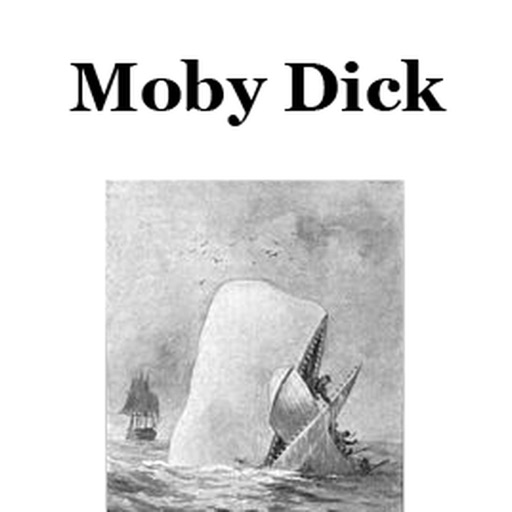
The app presents Moby-Dick, a novel first published in 1851. The story follows Ishmael's adventures on the whaleship Pequod, commanded by Captain Ahab, who seeks revenge on the white whale Moby Dick.
Access a deck of designed to inspire personal growth and mindfulness. Use to reflect on daily challenges, set intentions, and gain insights. Share with others or save favorites for later review.
Access and manage digital and physical books in one place. View reading progress, set goals, and track time spent. Browse thousands of books from various publishers. Highlight, annotate, and bookmark text. Share notes and summaries with others.
The app scans paper books using the device's camera, supporting PDF, EPUB, and TXT files. Users can organize books with shelves, cloud storage, and FTP servers, and utilize features like TTS, bookmarks, and search.
Read short, engaging stories that unfold paragraph by paragraph. Tap to advance the narrative and explore whimsical, imaginative tales. Choose from a variety of genres and themes. Save favorite stories and revisit them later.
Read romance and drama novels with personalized story recommendations. Track reading progress and set goals. Access exclusive content and update libraries regularly. Share favorite stories with friends. Customize reading preferences and themes.
Learn animal sounds and actions through interactive stories. Identify animals dancing, eating, wagging tails, and wearing sunglasses. Listen to jazz versions of children’s songs on guitar, drums, and cello.
Learn Windows CMD commands with a searchable database of command- man pages. Type command letters to quickly find explanations and syntax. Practice command formatting and explore advanced features for both beginners and experienced users.
Read and study the complete Restoration Edition offline. Locate content by volume, book, and chapter. Customize fonts, text size, margin width, line spacing, and color schemes. Includes all specified volumes for offline access.
Read eBooks in and CHM formats. Organize files into personal collections. Add bookmarks, notes, and highlights. Sync bookmarks and current page across devices using iCloud. Customize fonts for headings and body text. Search for text within books.