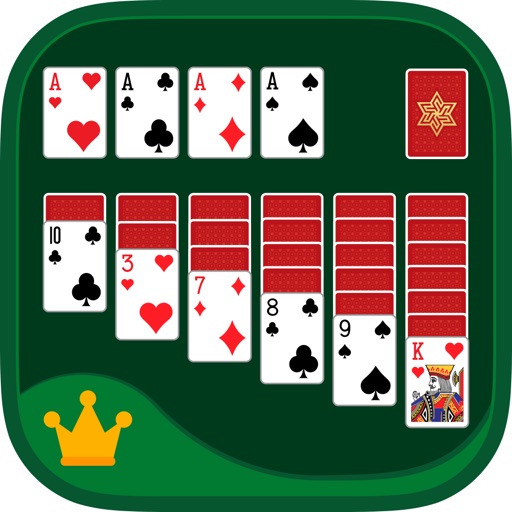
Play Freecell with classic card game mechanics. Move cards between tableau piles, build sequences in descending order, and transfer cards to foundation piles. Use drag-and-drop controls to rearrange cards. Track progress and replay previous games.
Play with traditional Klondike rules. Use smooth card animations and intuitive controls. Enable auto-move for faster gameplay. Access an intelligent hint system. Switch to left-hand mode for comfort.
Play Classic with crisp graphics and clear card visuals. Move cards between tableau piles, build sequences in descending order, and transfer cards to the foundation. Win by moving all cards to the foundation. Adjust game speed and sound settings.
Play with single or three card deals. Auto-play winning hands. Track time, score, and moves. Sync games and stats via iCloud. Support landscape mode on iPhone 4S to iPad Pro. Enable multitasking on iPad.
Arrange cards to match numbers. Swipe cards to position them correctly. Only kings go in the center pile. Win by placing all cards. Lose if four kings are placed before completion.
Play with three difficulty levels and solvable deal options. Redeal last game or switch orientations. Use drag-and-drop or single tap controls. Track statistics, use unlimited undos and hints. Customize card backs and backgrounds.
Play by rearranging cards in the tableau to build sequences down by rank and suit. Remove cards from the table by completing valid moves. Track statistics and adjust game settings to customize gameplay.
The app offers Klondike, FreeCell, and Yukon solitaire games. It supports iPhones and iPads with large, eye-friendly cards and intuitive controls for smooth gameplay.
The app presents Klondike Solitaire with live cards and an original design. It offers features like undo, hints, tutorial, and customizable backgrounds for an enjoyable experience.