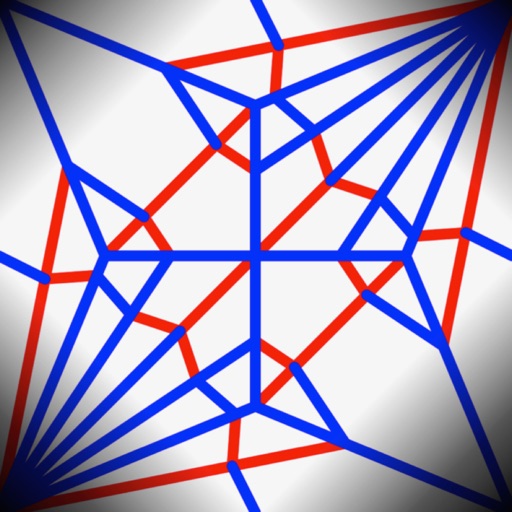
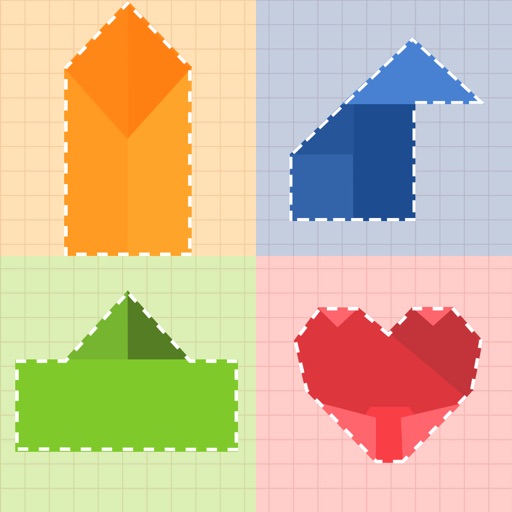
Learn to fold using sticky notes, business cards, and printer paper. Follow step-by-step guides with high-quality images for each design. Access 30 models including a container, cube, basketball hoop, and yacht.
by Andreas Bauer★ 4.8186 ratingsEntertainment$0.99Data updated 2026-09-17
Create and construct virtual homes from scratch, building everything from simple cottages to grand mansions. Design exteriors and interiors, add furniture, and customize decor. Simulate real-life construction steps including framing and finishing.
Create and color paper objects that unfold into origami scenes. Mix to generate new shades. Take photos of completed artwork. Toss paper balls for interactive . Share creations with others.
Play Solitaire with a fresh interface and daily goals to complete for XP and titles. Manage card moves, build sequences, and organize cards into foundations. Unlock ad-free play with a purchased version.
Allows users to using step-by-step tracing lessons. Features include color selection, layer management, and brush customization. Users can save and share artwork. The provides guided tutorials for improving drawing skills.
Play against three opponents to score the fewest points. Place tiles on a shared board, draw from a stock, and end turns by knocking. Track points and win gold. Includes game instructions and supports bug reporting via email.
Play by swiping toward the hoop to score. Aim for higher scores to climb online leaderboards. View and increase your global level based on earned XP. Track score multipliers as you level up. Perform a dunk to set the ball.
Read books with adjustable text size and background colors. Take quizzes and trivia to test knowledge. Earn badges for completing activities. Access a wide range of book types including picture books, chapter books, and nonfiction.
Teach children to shape clay into balls, sausages, and figures. Create characters through modeling and animation. Includes color options and interactive crafting features to encourage creativity and fine motor skills.
Create crafts with video tutorials that guide users through each step. Choose from various projects to make handmade gifts and decorations. Learn techniques for beginners and advanced crafters alike. Save and share finished projects.
The app offers a step-by-step guide and flash cards for multiplication practice. It includes features like audio instructions and customizable layouts for left or right-handed children, adapting to individual learning needs.
Print photos, notes, and web pages directly from a phone. Supports OCR and AR features. Choose from various thermal paper types including labels and sticky paper. Print lists, labels, and material moments. Syncs with web pages and mobile devices.
The app introduces numbers one through ten and teaches elementary counting. Children follow instructions to draw characters and count them, with animated drawings coming to life.