Allows users to interact with a musical score based on Byzantine dream interpretation. Users can scroll through a dictionary-like interface, generate sounds using sine waves and pulses, and view visual text elements.
by Yannis Kyriakides★ 1.01 ratingsMusicFreeData updated 2026-09-06
To identify musical notes through a 30-level program. Practice pitch recognition with interactive lessons. Track progress and improve ear skills for musicians and beginners.
The app explores alternate versions of the Rush song "YYZ." Users can input any three letters to hear a new rhythm in the style of the original song. The app features a database of over 9000 airports.
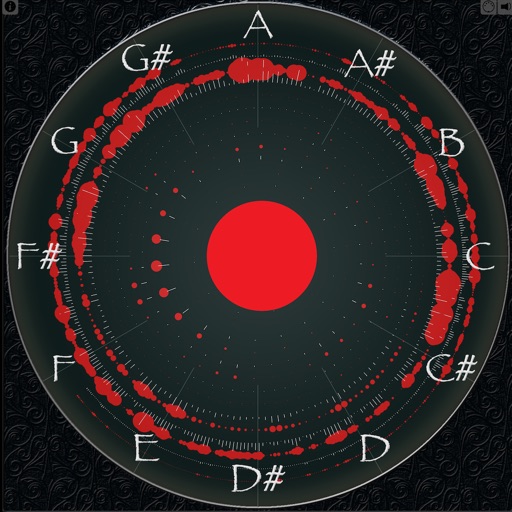
Displays sound frequencies using a Fast Fourier transform. Users can visualize incoming sound as individual sine waves. The shows frequency spectrum displays to analyze audio components.
Practice musical and chord recognition with interactive exercises. Track progress with saved statistics. Return to specific exercises for focused improvement.
Train musical ears with interval recognition, melody identification, and chord detection exercises. Create custom drills and adjust difficulty levels. Receive instant feedback on note entries and track progress over time.
Play rhythm with adjustable tempo and beat patterns. Record audio sessions. Use chromatic tuner for pitch accuracy. Create loops and setlists. Control pitch and metronome functions simultaneously. Export recordings. Sync with music apps.
Can pitch for fan notifications and stream growth. Receive alerts when is added to playlists. Add merch via print-on-demand. Share Hype Cards and personal voice messages. Create intros for new releases.
Teaches alphabet and recognition through HD videos, cartoon images, and photographs. Includes flash cards for interactive learning. Features sound effects for letters and animals. Available offline.
Record vocal performances with smart auto-tuning to correct pitch. Create and edit songs by adding lyrics, melodies, and instrumentals. Export tracks in audio formats and share directly. Collaborate with others in real-time on song projects.
Train Your Musical Ear – The Fun Way! Master chords, notes, and intervals in your key through bite-sized games. Identify pitches, recognize chords, and improve interval recognition. Track progress with custom exercises and adjust difficulty levels.
Compare performances by switching between four recordings of the piece across 50 years at any point in the music. Explore the BeatMap visualization to view different sections of the orchestrations.
The app provides a reference Concert A (440Hz) pitch for musicians tuning by ear. Users can select between a real oboe or a synthesizer oboe sound for the reference pitch.
Adjust pitch with Sound Mode or Auto Mode. Access over 30 built-in temperaments. View detected pitch and tuning accuracy. Adjust reference pitch manually. Display tuning settings and version information.
Access for wind, brass, and string instruments with detailed visual guides. Tap to highlight notes, zoom in for clarity, and switch between instruments. Save and share for practice or teaching.