Apps Like A Design Kit: Collage Maker for iPhone and iPad
With scans and brushes
Create designs for Instagram stories or feed using scans, stickers, realistic brushes, and modern fonts. Add text, apply filters, and use textured backgrounds. Export and share directly from the .
by Midtone LLC★ 4.75,676 ratingsGraphics & DesignFreeData updated 2026-09-13
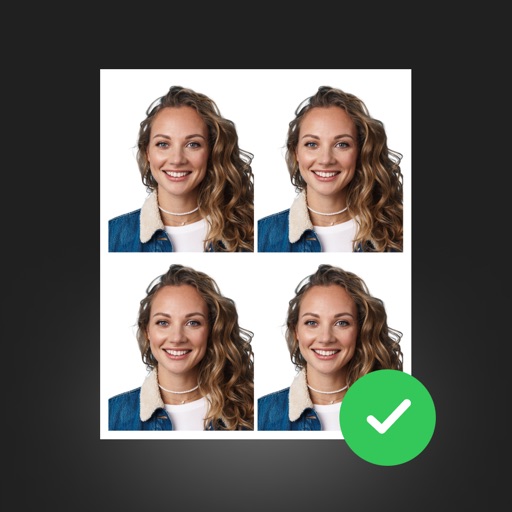
Create professional ID photos with AI tools. Automatically detect faces and remove backgrounds. Resize and crop portraits to fit official sizes. Support multiple countries' requirements. Generate printable -sized images for children and adults.
Combine clips from different days into a timelapse compilation. Select 1, 2, or 3 snippets. Merge clips to create a continuous . Watch compiled videos to relive moments. Share finished videos directly.
Edit photos and videos by adding glitch effects and trippy art styles. Choose color shifts, adjust intensity and thickness, and edit random seed settings. Capture or select media from gallery or camera. Export edited content.
Edit photos with and frame tools. Add text and customize borders. Export high-quality images without watermarks. Share directly to Instagram and WhatsApp. Save photos in high resolution. Use built-in text . No watermark added. Works offline.
Clips into one with trimming, cropping, and editing tools. Add background music from iTunes or personal recordings. Save to the Photos or share to Facebook, Instagram, YouTube, Dropbox, and other platforms.
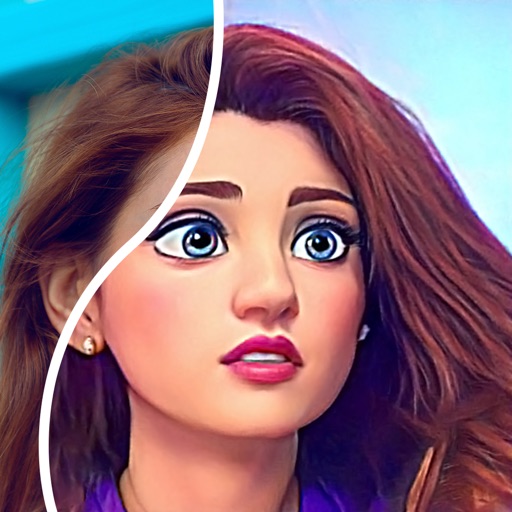
Convert photos into comic styles using AI algorithms. Edit avatars with retouching tools. Access various comic templates. Apply filters and adjust images for effects. Share edited images directly.
Create collages from single photos with one tap. Add doodles, captions, and textures to customize the design. Share or save collages for social media, journaling, or mood boards. Adjust styles to match personal preferences.
Edit images with filters, effects, and background erasing. Add , stickers, and shapes to . Use layers for advanced editing. Access a large font library and sticker collection. Create flyers, posters, and social media content.
Edit photos and videos with -and- features. images side by side. Customize animations, speed, and format. Share content on social networks. Access premium features via subscription.
Personalize home screen with themes and wallpapers. Customize widgets by selecting from a library or creating your own. Arrange widgets to organize favorite apps and settings.
The app offers private storage for photos, videos, and notes. It includes a private web browser that does not save history and allows secret bookmarks.
Capture photos with manual controls for ISO, shutter speed, and flash settings. Apply authentic tones and grain. Export images in high-quality formats. Adjust exposure and focus manually. Share photos directly from the .
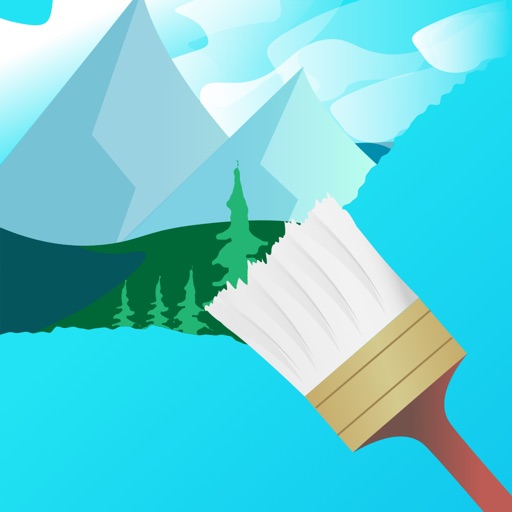
Create paintings by drawing closed areas and filling them with color. Use finger strokes to build realistic landscapes. Share artwork or print to canvas. No prior artistic skill required.
Create collages with up to 16 images. Rearrange photos and select from 200+ grid layouts. Adjust spacing, padding, and layout ratio. Apply filters to multiple photos or individually.
Create graphics by adding text to photos using customizable templates. Choose from multi-sized templates for Instagram stories and posts or a blank canvas. Use licensed fonts and customizable stickers to personalize designs.