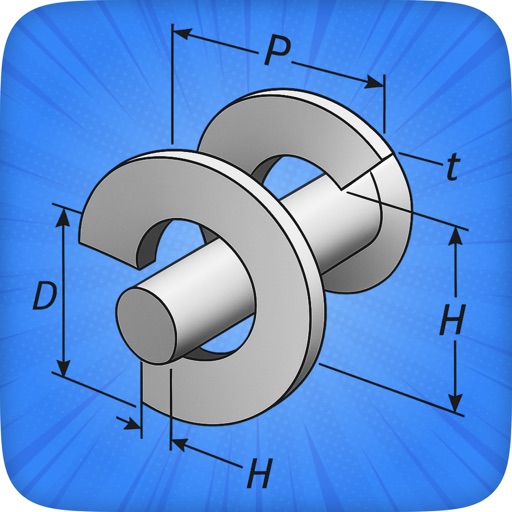
Create custom laser-cut boxes by defining size, material, and joint style. Add a lid and customize its fit and appearance. Preview the layout and export as SVG or PDF for further processing.
by Derek Graham★ 4.636 ratingsProductivityFreeData updated 2026-09-13
The app allows users to take photos and add dimensions, angles, and text comments directly onto the images. Users can zoom for precision, organize photos by category, and export dimensions in high resolution via email or to the photo library.
Create handwritten drafts by copying text, selecting a paper background, choosing a font, and adjusting size and spacing. Generate realistic simulations for letters, essays, and notes.
Create legends with customizable color labels for phases, tandem breakers, and 3-pole breakers. Adjust legend size for printing on sleeves or door tape. Export as needed.
Edit PDF files by filling out forms, checking boxes, and adding text. digitally with a handwritten or stored signature. Highlight, annotate, and draw on PDFs for notes and comments. Import files from any source and save or share edited .
The app allows users to create country house projects or find materials and cost estimates for apartment repairs. Users can view projects in augmented reality and import them into the OS X app.
Dimensions, spacing, and angles in screenshots and photos. Analyze color values, grid alignment, and element positions. Export measurements and compare dimensions across images.
Schedule a pick-up for without printing labels or waiting in line. Track shipment status and manage multiple return requests. Receive updates on processing and delivery.
Preview projects on mobile by tapping a link or scanning a QR code. View content for 24 hours before re-scanning. No editing or saving features available.