Clean up storage by removing duplicate photos, screenshots, and low-quality media. Organize contacts by merging duplicates and cleaning incomplete entries. Enhance security with data protection features.
Track expenses, manage assets, build financial records
Track expenses, income, and assets. Create custom categories for bookkeeping. Link accounts, subscriptions, and assets. Set up relationships and manage inventory. Edit transactions and view detailed reports. Customize data fields and export records.
Secure email access with encryption and containerization. Sync email, contacts, and calendar via ActiveSync. Manage access and settings through enterprise mobility management. View and reply to emails, attach files, and organize inbox.
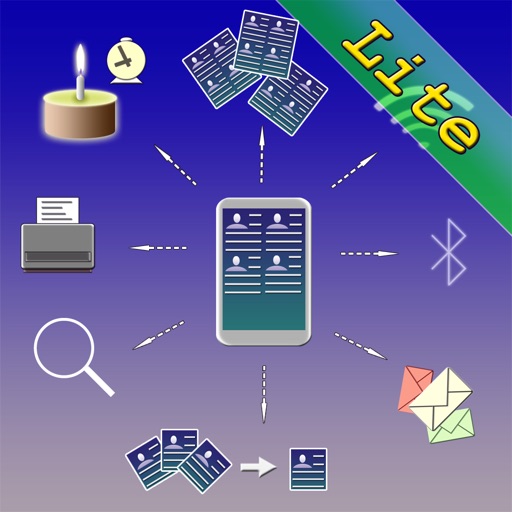
The app allows users to create and manage contact groups within their address book. It offers features for group mail, group SMS, and powerful search capabilities within groups.
Contacts helps users prioritize frequent communication by highlighting regular contacts. Users can quickly access contacts through the Today View or Notification Center.
The app helps users clean their iPhone and iPad address books. It finds duplicates, merges repeated contacts, removes empty contacts, organizes groups, and provides backups to iCloud.
Track upcoming birthdays and anniversaries of contacts. View birthdays sorted by date or contact name. Use calendar view and widgets for quick access. Set up to two reminder messages per event. Disable reminders for specific contacts.
Photo & Video Cleanup: Detect and remove duplicates, similar images, screenshots, and screen recordings to free up space. Contacts Organizer: Merge, remove duplicates, and tidy up contacts for a clean address book.
Manage and send emails to groups directly from the . Share documents with groups via other apps or forward emails to groups. Create groups by importing contacts, pasting addresses, or entering them manually.
Organize contacts with smart groups automatically.
The app organizes contacts by creating smart groups based on user-specified criteria. Users can send emails and texts to these dynamically updated groups.
Send personalized messages to multiple recipients via iMessage, SMS, WhatsApp, Telegram, and Threema. Compose messages, select sending mode, and start sending directly from the device. Manage message scheduling and recipient lists within the .
Manage files by viewing, storing, and printing documents, emails, PDFs, photos, and web pages. Transfer files between devices. Print to all printers, including non-AirPrint models. Convert documents and images to PDF.