Apps Like Pixel Resizer: Custom Metadata for iPhone and iPad
Resize images to exact dimensions
Resize images to dimensions without aspect ratio constraints. Import, adjust output size, and export immediately. Use presets for batch exports. Supports screenshots for Xcode, Instagram, Facebook, Store, and personal use.
by Brian McIntosh★ 4.114 ratingsDeveloper Tools$2.99Data updated 2026-11-08
Resize images in bulk with batch processing capabilities. Convert file formats simultaneously. Adjust dimensions and aspect ratios. Save settings as presets. Drag and drop files for quick access.
The app picks colors from anywhere on the screen. It copies color values to the clipboard in HEX, RGB, or HSL formats, supporting a global hotkey and menu bar access.
Generate QR codes with customizable styles including eyes, pupils, and inner pixels. Adjust colors and shapes freely. Embed custom logos. Export as PNG, JPG, SVG, or ASCII Art.
The app converts PDF pages into JPEG, JPEG2000, PNG, TIFF, and BMP image formats. It offers batch conversion of hundreds of files with options for image quality, resolution, and colorspace.
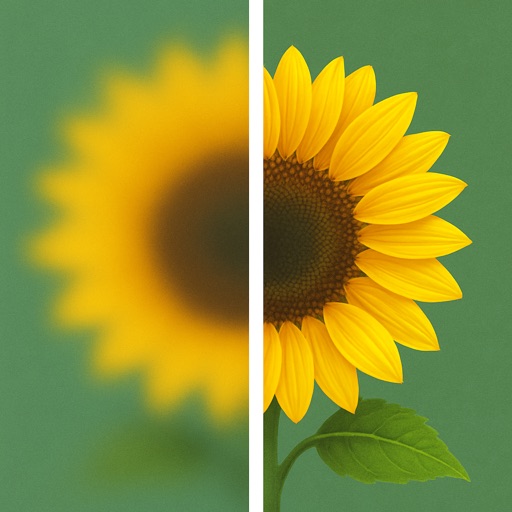
Uses AI to enhance blurry photos. Users can restore out-of-focus images with machine learning algorithms. One-tap processing allows quick restoration. Adjust brightness, contrast, and sharpness manually. Export enhanced photos in various formats.
Capture screenshots of full screen, selected areas, or windows. Edit images with a 8x magnifier for precise cropping. Record video and GIFs with highlighting tools. Share edited files directly.