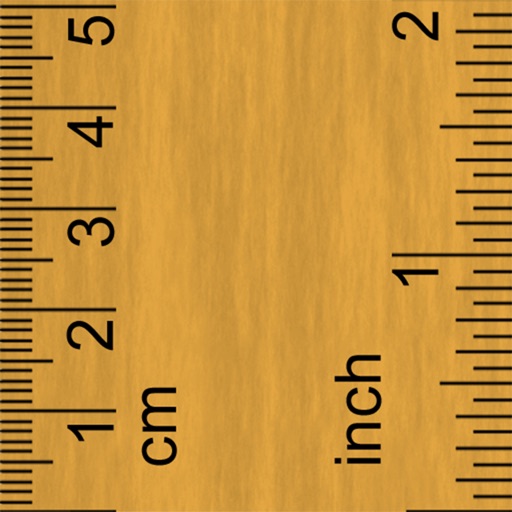
Measure objects with a camera ruler mode that uses your phone's camera for distance calculations. Switch between inches and centimeters. Adjust measurements with precision sliders. Access a classic ruler and tape measure for manual measurements.
Measure objects using screen size, augmented reality, or printed rulers. Place virtual on surfaces with ARKit. Print rulers via AirPrint. Compare printed results with on-screen measurements. No ads, in- purchases, or tracking.
Use to measure objects in real time with accurate centimeters, inches, and meters. Tap to measure distances, take unlimited readings, and view real-time AR visuals for precise results.
Convert physical objects into measurements using a function. Adjust two red lines to measure distances in centimeters or inches. Display measurements instantly on the screen.
Distances and angles using augmented reality and on-screen rulers. Tap to mark points and calculate lengths. Export measurements as text or image. Sync with other devices for collaborative projects.
Measure real-world objects using augmented reality. Tap to start measurements, switch between length and area modes. Unlock unlimited measurements and remove ads with a subscription. Sync results across devices.
Measure objects using touch as or tape measure. Split objects into equal parts and calculate width/height ratios. Estimate diameter, angles, and divide circular objects. Switch between millimeters and inches for units.
Objects, lengths, angles, areas, and heights using augmented reality. Switch between metric and imperial units. Take screenshots, use flashlight, and draw clear measurement lines. Perform single or chained measurements and estimate person height.
Use AR technology to measure lengths, heights, and angles by pointing the camera at objects. Capture and save measurements with the photo . Check alignment using the built-in level tool.