Coding with interactive labs and an on-device Python IDE. Run without setup or internet. Access tutorials on syntax, variables, functions, loops, data analysis, visualization, web scraping, networking, XML/JSON parsing, and machine learning.
Teaches STEAM concepts through coding and problem-solving. Features logic puzzles, algorithm basics, and animated storytelling. Includes character interaction and step-by-step challenges for ages 4-7. Tracks progress and offers interactive lessons.
Create and share augmented reality experiences without coding. Scan objects or upload images to trigger interactive 3D content. Design AR scenes, view real-time previews, and share creations via links or social media.
Learn through interactive challenges and block-based programming. Navigate a spaceship through the cosmos while solving puzzles. Complete missions to unlock new levels and characters. Track progress and earn rewards throughout the space .
Teaches early concepts through LEGO® DUPLO® train sets. Includes teacher guides and an for lesson planning. Allows teachers to create sequences, track progress, and integrate with classroom activities.
Create music using physical blocks arranged into sequences. Choose from 300+ sounds to build original songs. Record and share compositions with others. Track progress and explore creative problem-solving through music-making.
Create task lists by arranging picture cards. Add voice sounds to cards. Record original pictures and voice for custom cards. View tasks in order to prioritize work. Sync with LITALICO classroom needs.
Identify and analyze coding patterns and approaches. Track progress and pinpoint areas for improvement. Practice coding questions anytime and anywhere.
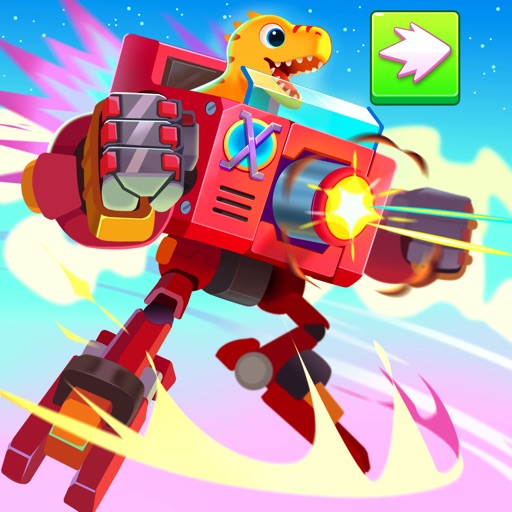
Explore a dinosaur-themed arena to battle opponents and advance through levels. Use strategic thinking and items to defeat enemies and unlock new mechas. Play in Adventure Mode to progress through levels or Battle Mode for random challenges.
Write and execute code with instant runtime and smart syntax recognition. Access step-by-step tutorials and sample projects. Format code automatically and learn through built-in resources.
Use cards to communicate emotions and intentions. Learn vocabulary and grammar through interactive exercises. Practice with customizable sets. Track progress and receive feedback. Sync with classroom materials for consistent learning.
Learn programming through interactive lessons and exercises. Use an embedded editor and a custom virtual keyboard for coding. Track progress and receive personalized feedback. Share snippets and collaborate in real-time.