Create cards by selecting from design templates and customizing details. Add backgrounds and stickers. Search for templates and edit text and layout. Export and share finished designs.
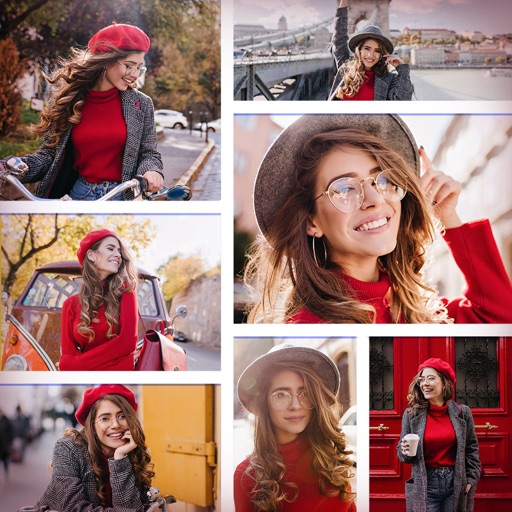
Create collages by combining multiple photos and videos. Choose from , poster, or editor modes. Adjust layouts, add effects, and stitch content together. Edit images with filters, cropping, and text overlays.
The app allows users to add typography, filters, frames, shapes, and stickers to photos. It includes tools to adjust sharpness, brightness, saturation, contrast, RGB, hue, and exposure.
Set home screen and lock screen with high-resolution HD . Choose from a variety of and . Customize for different devices including and models. Apply directly to home screens and lock screens.
Edit photos with filters, effects, and adjustments. Add text with multiple fonts, colors, and effects. Overlay text or add captions and 3D text. Include stickers, artwork, and frames. Create collages and personalize cards with photos.
Create channel art and thumbnails using pre-made templates. Customize with filters, fonts, stickers, and photos. Choose from categories like flowers, animals, and sports. Edit templates directly within the . Export and share finished designs.
Create cards and templates. Choose from thousands of free templates. Customize colors, fonts, and layouts. Add text, images, and logos. Export cards in various formats and share digitally.
Create collages using free layouts and grids. Add stickers, text, and backgrounds. Edit photos with cropping, flipping, and layering. Save and share finished collages or stories. Generate wallpapers from edited images.
Create a concert poster and plan a photoshoot. Design outfits and hairstyles for characters. Apply makeup and add glitter effects. Play instruments with virtual band members. Set up a stage and prepare for a live performance.