Apply filters and to photos. Select from pre-designed templates to create images or cards. Edit photos by adding text, stickers, and custom . Share edited photos directly.
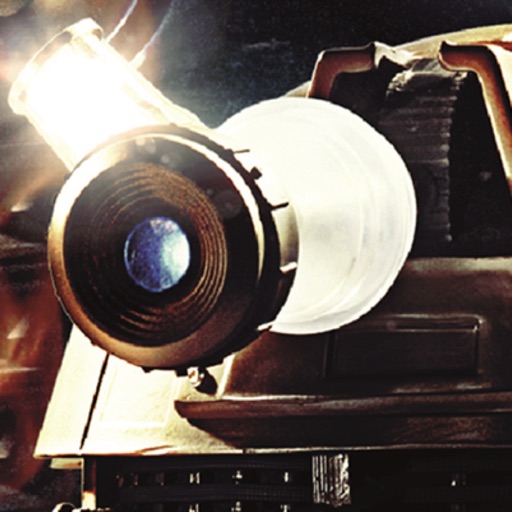
The app transforms devices into a Dalek's lens for photos and movies. It offers seven visual effects from Doctor Who's history, including black and white and thermal imaging.
Capture night sky images using proprietary image processing algorithms. Adjust exposure and focus manually. Save and share photos directly. View time-lapse sequences and star maps. Stabilize phone on a tripod for clear shots.
Edit photos by selecting from Camera Roll or taking new shots. Apply real-time effects to create prism-like glass pieces. Adjust frames, shapes, and patterns. Rotate, resize, and drag elements for custom designs. Export and share edited images.
Edit videos with real-time preview, trimming, and splitting. Add transitions, text, and stickers. Export in 4K resolution. Use external keyboard and mouse for efficient editing. Supports iPad, iPhone, and Mac with Apple M1 chip.
Automatically detects subjects and backgrounds to create bokeh effects. It applies Gaussian, motion, or zoom blur. Built-in filters enhance photos. No manual object selection is required.
Take high quality photos and videos using triple and dual systems. Adjust exposure and use 10x zoom for both photos and videos. Record HDR videos with real time zoom and smooth focus. Switch between lenses automatically or manually.
Record video and capture 3D tracking data at the same time. Place dynamic 3D models in real-time. Use advanced chroma key for background removal. Import virtual environments for pre-visualization. Export video in high quality.
The app creates unlimited collages with a single tap using a SmartSorting algorithm. Users can import photos, select modes, and apply various styles, text, backgrounds, filters, and stickers.
Add , radial effects, and filters to photos with one tap. Adjust focal points, zoom, and rotate elements. Customize line thickness, opacity, and color for detailed edits.
The app allows users to crop photos into a square shape for posting on Instagram. It supports both landscape and portrait orientations and offers various background options and effects.
View image such as measurements, DPI, file size, location data, and device information. Import images via drag and drop from Photos, Files, or Safari. Display in a card-based layout for easy reference.