Create characters with customizable hairstyles, clothing, and makeup. Adjust facial features with detailed pinching tools. Choose from various poses and expressions. Add accessories and select character styles like maid or lolita.
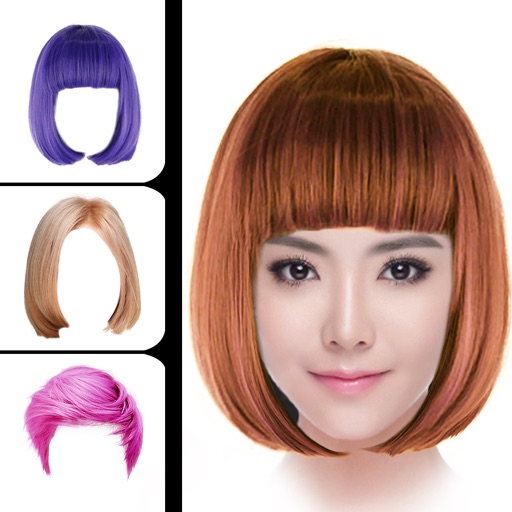
Change hair style using smart face recognition to automatically match hairstyles. Dye hair by selecting colors and applying them directly to the hair. Export styled results for viewing or sharing.
Edit photos with one-tap AI magic for enhanced details and clarity. Remove duplicates and clutter using smart cleanup tools. Organize and manage media with a virtual cat companion that tracks progress.
Apply masks to photos by selecting from over 50 options. Adjust mask position and size. Crop or scale the photo freely. Save and share the edited image.
Tsingtao TikTok Information Technology Company Limited
Try AI haircuts in 15 seconds
Use AI to simulate styles from photos. Select an AI effect, upload a clear image, or take a photo. nd view the result in 15 seconds. Share the outcome directly.
Enhance low-quality photos using machine learning. Import images from gallery or capture new ones with camera. Tap a button to automatically improve resolution. Compare before and after enhancements in real time.
Create or Rabbit Hole effects from with one tap. Transform panoramas and landscape images for unique visual styles. Instantly apply effects without needing advanced editing tools.
Analyze faces in photos or selfies to determine age using AI. Detect faces looking directly into the camera. Share results on social media. Experiment with different image sources including gallery, screenshots, and downloaded photos.
Take and visa photos directly from the camera. Retake photos as needed for free. Print at local pharmacies for less than $1 or ship for $5.96. Download CVS print for home printing.
Take a photo or select one from your gallery. The detects your face and analyzes its similarity to your parents' faces. Share the results via email, Facebook, Twitter, or other social media platforms.
Create by selecting a photo from the camera or gallery. Choose a frame, adjust its position, rotation, and size. Share the card via social networks or messaging apps.