Create collages using photos from Camera Roll, Photo Stream, or Dropbox. Choose from pre-designed templates and artwork. Edit images with cropping, filters, and adjustments. Export and print finished layouts for physical display.
Take photos using the camera or import images from the camera roll. Apply packs, filters, light leaks, and frame borders for instant effects. Edit photos in the in- Photo Lab with customizable adjustments. Save and view processed images within the .
The app decreases video file sizes by 80% or more. Users can identify large videos and adjust frame rate, bit rate, and frame size to control quality and file size.
Browse recent arrivals and promotions. Place orders for women's apparel, shoes, accessories, and bags. View product details and prices. Track shipments and manage orders. Access size options from XS to XL.
Arthur Eduardo Skaetta Alvarez Desenvolvimento de Software LTDA.
Videos from your device
Create loops from existing videos by selecting them from the Camera Roll or device files. Adjust speed, duration, and start point. Export loops as clips or GIFs without watermarks.
And video sizes with thumbnail previews and color-coded indicators. View Live Photo components with separate displays. Browse media files efficiently with clear information.
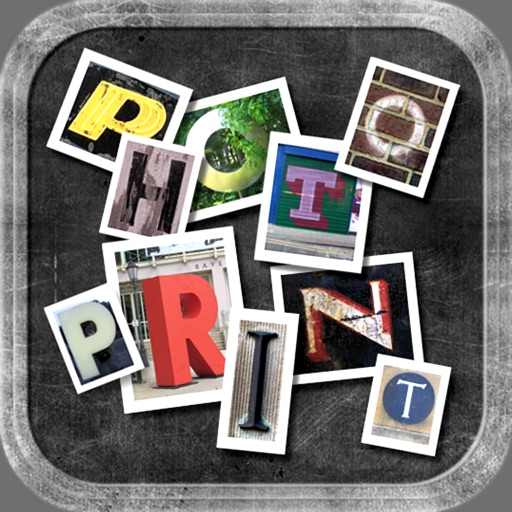
The app allows users to print photos from their library with flexible sizing and multiple photos per page. It offers customization with text and emoji, photo editing tools, and export options via email or PDF.
Using a wide selection of fonts and customize color and background. Place boxes anywhere on the image and adjust styling for personalization. Save and share edited directly.
Edit photos with resizing, cropping, and options. Add text, polaroid frames, and stickers. Generate square, landscape, or portrait images for social platforms. Export and share edited photos directly.
Shop online or pick up in-store with Click & Collect. Save favorite items to a personal list. Watch a Bra Fit video to determine size and select up to 3 styles. Check in-store availability and product details while shopping in-store.
Display on home screen with customizable widgets. Arrange multiple widgets in various sizes including square, rectangle, big, and small. Add favorite images to personalize the interface.
Add to videos with animation options. Customize size, color, opacity, and background of captions. Animate line by line, word by word, or character by character. Adjust timing and speed. Position and rotate freely. Add multiple captions per .
Use to replace negative thoughts and foster positive feelings. Set daily to repeat . Track progress over time. Customize for specific goals like happiness, health, or stress relief. Share with others.
Edit photos with filters, effects, and backgrounds. Create collages and layouts with ready-made designs. Crop and mirror images for social media. Add text and frames. Share edited photos directly to WhatsApp and Instagram.
The app allows users to create love collages or design romantic cards. Users can select photo frames, add text with various fonts, colors, and sizes, or include love-themed stickers.
The app allows users to decorate pictures with text typed along a drawn line. Users can select from nearly 300 fonts, adjust text properties, and apply filters or change backdrops.