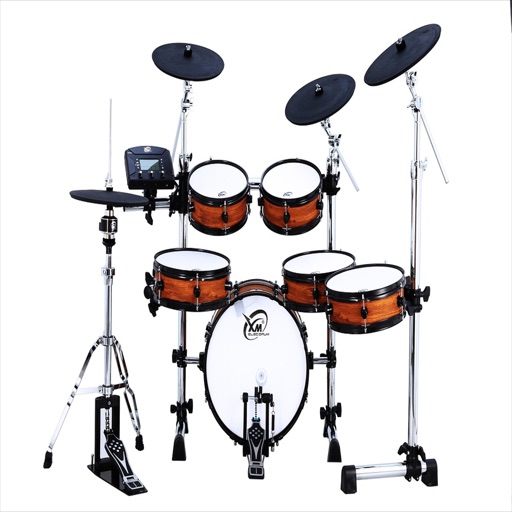
Play drum kits with a customizable drumpad layout. Choose from multiple drum sounds for different genres. Control song playback and adjust speed in real time. Mix sounds and adjust volume with a simple interface.
by MingChun Chien★ 4.478 ratingsMusicFreeData updated 2026-09-13
Play audio directly from system and cloud sources. Adjust sound with a 10-band equalizer. Control playback speed from 0.5x to 2x. Use background playback and AirPlay. Organize playback queue. Enable smart shuffle and loop options.
Play a 3D jumping with one-touch control. Navigate tiles by touching, holding, and dragging. Avoid missing tiles and follow rhythmic challenges. Choose from weekly updated backgrounds and music. Adjust speed for unlimited speed runs.
Create and manage custom drum loops with real-time tempo changes. Organize loops into sets for quick access during performances. Access a wide range of genres and styles. Adjust loop names and use click tracks for timing.
Control piano sound with adjustable reverberation and voice settings. Access backing band accompaniment for singing. Connect to compatible instruments for real-time playback and performance.
Create and share music with notation tools and templates. Practice rhythms with metronome and playback features. Collaborate with others through community forums and sharing. Sync progress across devices and access a library of user-generated scores.
Merge photos into artistic compositions by selectively editing and combining image elements. Remove or re-add parts using finger painting techniques. Adjust brush settings for precise control.
Create and customize drum kits with samples, presets, and modulation options. Sequence patterns with intuitive editing tools. Import custom samples and use intelligent randomizers for new drum ideas. Export and share drum sequences.
Learn and practice , ukulele, bass, and drum and . Access over a million songs offline. Browse history, autoscroll, transpose , and view diagrams with multiple variations. Create and save custom songs. Print and share .
Practice music with customizable metronomes and tempo control. Adjust beats per minute, set rhythms, and track progress. Supports multiple instruments and includes visual cues for timing. Sync with devices for consistent practice sessions.
Control audio playback with a home screen . Adjust bass and equalizer settings for personalized . Boost volume for Bluetooth headphones and speakers. and enhance audio from compatible devices.
Adjust with real ambient sounds for stadium, arena, club, or bar effects. Select a venue, play songs, and enhance audio with -like environments. Share or save modified tracks.
Edit videos by trimming, cutting, and cropping clips. Overlay stickers and multiple clips. Add music to enhance videos. Create professional-looking vlogs with intuitive tools. Export and share finished videos directly.
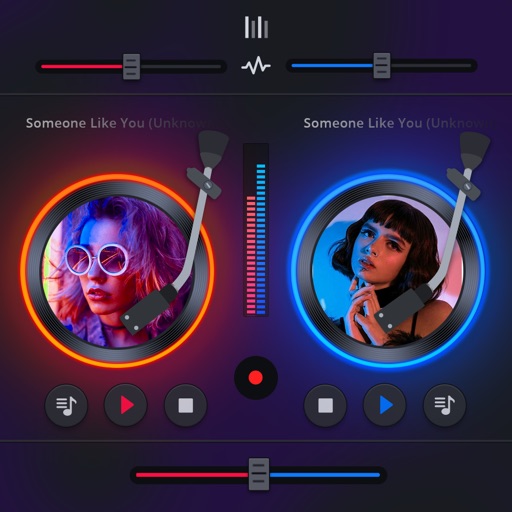
Manage playback with a 3D DJ interface featuring turntables and a 3-band EQ . Access a library to organize files and create custom mixes. Adjust volume and effects in real time during playback. Sync with external devices for live mixing.
Play sound effects from the " Are Those!" vine and related clips. Tap buttons to trigger sounds like the full vine, "Officer, I got one question for you," and " Are Those! (Song)." Includes a SpongeBob reference sound.
Users can press a button to simulate NHL™ team sounds. They can control the duration of the blast. The includes authentic sounds for all 32 NHL™ teams. Users can play songs and sound effects after triggering the .
Play and videos offline with no internet connection. View lyrics for songs. Watch videos while listening. Sync playlists and organize songs by artist or genre. Control playback with gestures and customize equalizer settings.
Create a calming environment with customizable sounds. Mix soothing options like rain, waterfall, and fan sounds. Use binaural beats including 2 Hz Delta Waves and 528 Hz tones. Access green, brown, red, and pink to block distractions.
Play sounds with instant playback. Tap to play any sound. Features include Tralalero Tralala, Bombardiro Crocodilo, Tung Tung Sahur, Trippi Troppi, Balerina Capuchina, and other viral meme sounds.
The app offers 8 realistic drum sounds and instruments including kick, bass, snare, and cymbals. It supports multitouch and simultaneous song and drum playing.