Create collages by adding photos and selecting aspect ratios. Choose landscape or portrait orientation. Add text to the collage. Shuffle for new layouts. Adjust design elements for customized results.
Create animations using frame-by-frame drawing on photos. Add doodles and export as GIF or video. Share finished animations with friends. No advanced drawing skills required.
Edit videos by trimming, splitting, and rearranging clips. Add transitions, background colors, and text. Include music and filters. Crop, zoom, and rotate individual frames. Share finished videos directly.
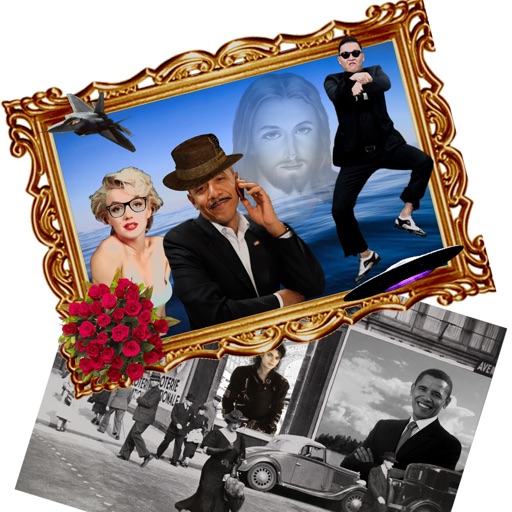
The app allows users to create new compositions from photos, drawings, and text. Users can add frames, text, and drawings to photos, modify them with filters, and combine elements to create new images.
Edit photos by drawing on them with adjustable brush sizes and color choices. Use an erase tool and undo/redo functions for precision. Save edited images for later changes or share them directly on social networks.
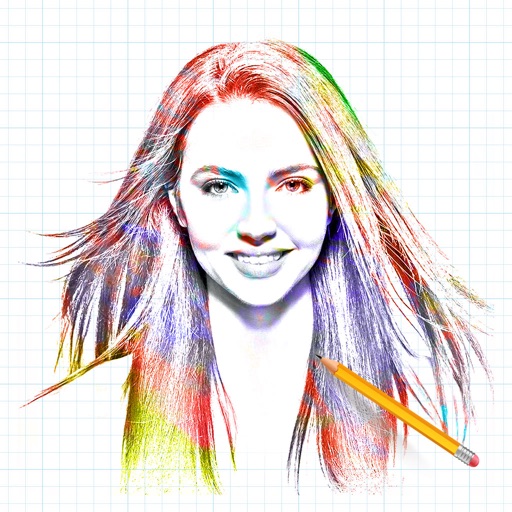
The app allows users to transform photos into artistic sketches. It provides options to apply frames and multiple effects to the created sketches before saving and sharing.