

Apps Like Ukiyo-e Face Camera for iPhone and iPad
Ukiyo-e Face Camera screenshots
Ranked alternatives
Showing 141–160 of 1,000 ranked alternatives.

Celebify - Celebrity Game
Sociaaal LLC
Take photos and morph into celebrities
Take a photo and transform your face into a using advanced morphing technology. Choose from various celebrities and see the result. Share the transformed image with friends on social media.

Pro Photographer - Toolbox
Quantis, Inc.
Edit photos and videos professionally
Edit photos with single-tap effects and professional filters. Adjust brightness and contrast. Apply blur and focus tools. Enhance portraits with specialized filters. Export edited images in various formats.




Camera 3D Pro
Nicola Vacca
Capture, view, and share 3D.
The app allows users to capture 3D images with auto or pro modes. It supports viewing 3D pictures in various formats and includes editing tools.


Low Camera -Low Resolution-
Shuya Komiya
Take photos in low, medium, or very
Take photos with three quality levels: medium, low, and very low. Apply 18 filters. Capture square images. Adjust saved photo quality to reduce file size. Share directly from the .


AlienFaced - Alien Face Booth
Fragranze Apps Limited
Transform photos into alien faces.
The app transforms a user's photograph into an alien face. Users can take new photos or select from their existing library.
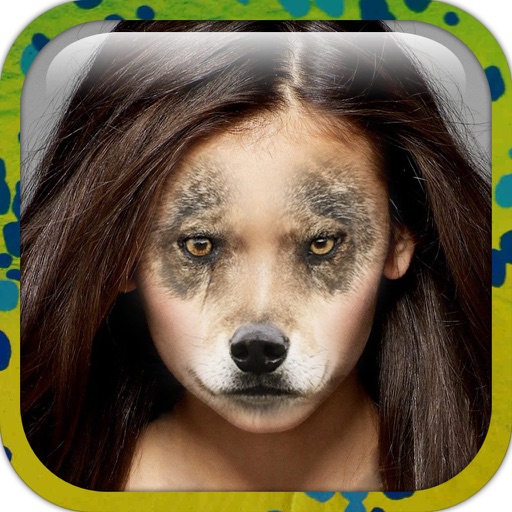
Animal face - Safari at Home
Jorge Gregorio Martin Bello
Try on faces with your photo
Edit photos by applying faces and filters. Choose from free templates to try on. Upload photos from albums or Facebook. Share edited images on Twitter or Facebook. Select preferred for personal use.




HD Food Camera
Quantis, Inc.
Edit photos with filters and share online
Edit photos with single-tap filters, brightness, opacity, contrast, blur, and focus adjustments. Rotate, crop, and resize images. Share to Facebook, Twitter, or Instagram. Save to photo library or send directly.



How we rank alternatives
Apps are ranked by functional similarity, category fit, rating confidence, and popularity.