Face Story -Morph, Change Face
丽譞 牛
Edit faces, morph features, share stories
Create morph videos by detecting and extracting human faces. Morph between faces and preview effects in real time. Share final videos on social media platforms.

Showing 41–60 of 1,000 ranked alternatives.
丽譞 牛
Edit faces, morph features, share stories
Create morph videos by detecting and extracting human faces. Morph between faces and preview effects in real time. Share final videos on social media platforms.

C&A Marketing Inc.
Edit photos, print, and share instantly
Edit photos with filters, borders, and cropping tools. Share directly to social media or print images. Access old memories and sync with compatible smartphones or tablets. Connect social media accounts for instant sharing.

Oceanhouse Media, Inc.
Create whimsical Cat in the Hat cards.
The app allows users to create personalized Cat in the Hat cards. Users can add characters, stamps, borders, and text to photos from their camera or library.
宁 桂
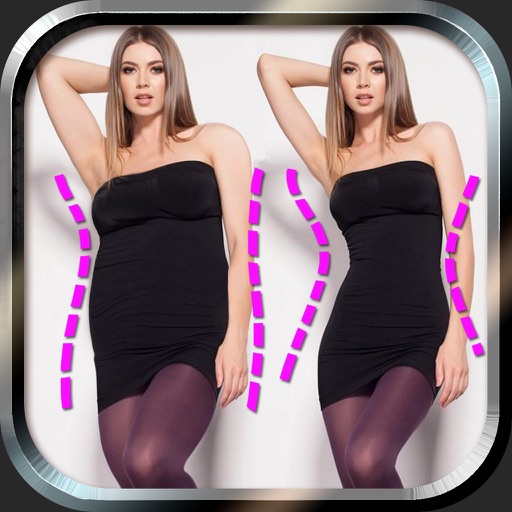
Edit photos and body with sliders
Edit photos to and body using auto-detection. Adjust and body thickness with sliders. manual edits and undo changes. Compare original and edited images. Save results to albums and share via email or social media.

Yomba Limited
Swap faces with rage faces.
The app detects faces in pictures and swaps them with rage faces. Users can edit the resulting images by scaling, flipping, or rotating them.


Debotosh Dey
Merge photos with blending modes
Two photos to create a double exposure effect. Adjust blending modes and positions to merge images. Apply filters and share results on social media platforms like Instagram and Facebook.

FUJIFILM Corporation
Send photos to print as prints
Connect to via Bluetooth to send photos for instant printing. Adjust image orientation and zoom before printing. Use smartphone as remote control to trigger camera shutter. Transfer printed photos to device for storage.

360 COMPANY BILISIM TEKNOLOJILERI REKLAMCILIK MEDIKAL TURIZM SANAYI VE TICARET LTD STI
Faces, edit videos, share content
Edit photos and videos using technology. Apply creative effects and templates. Choose from professional, casual, retro, old money, elite, and seasonal styles. Share results on social media or with contacts. Add filters and generate photo designs.

Appextreme, Inc.
Photos and apply artistic filters
Take photos and apply artistic filters such as cartoon, comic, , and oil painting styles in real-time. Adjust filter settings instantly. Export edited images in various formats. Share directly from the .
Mediaseek Inc.
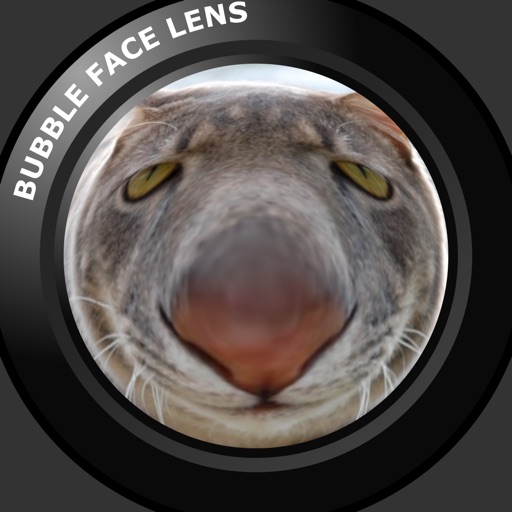
Change photos into inflating bubbles.
The app allows users to transform photos by inflating faces or bodies like balloons. Users can position, adjust, and resize bubbles, adding up to five blow-up points for creative effects.

Proxglobal Investment And Technology Development Joint Stock Company


Linerock Investments LTD
Create montages with photos
Create montages by selecting a character template and uploading a photo. Swap faces with a friend or use your own image. Apply detection to align your with the template. Share the final result.
Nguyen Thi Kiem AI
Capture and share Halloween masks on photos
Take photos or select images from the gallery. Position, resize, and rotate a mask overlay on the . Apply filters and adjust the mask. Share the final image on social media or via email. Switch masks or edit the as needed.
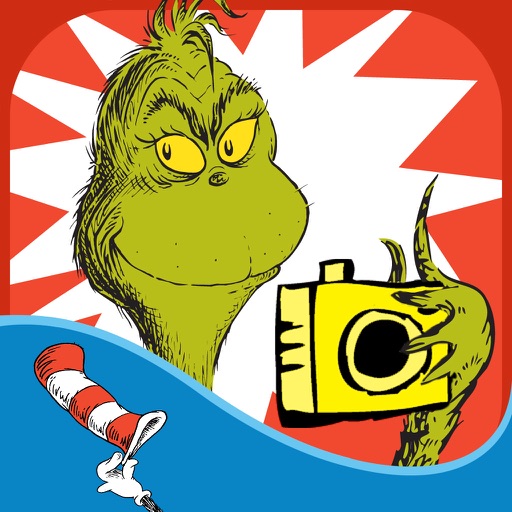
Oceanhouse Media, Inc.
Create zany and whimsical Grinchmas cards.
The app allows users to create Grinchmas cards using Seuss characters. Users can personalize cards with stamps, borders, and text, then share them via social media or save them.

小勇 蒙
Try styles, protect privacy, edit photos
Change faces to celebrities, movie stars, or any person using one photo. Apply AI-generated styles with strict privacy protections. Access diverse character libraries for creative swaps.

Scott Klinger
Authentic versatile easy to use camera
The app offers a real-time viewfinder for capturing fisheye pictures. It includes ten lenses and eight film types, with adjustable lens intensity and focus.
Apps are ranked by functional similarity, category fit, rating confidence, and popularity.