Apps Like Overlay - Figure Drawing Tool for iPhone and iPad
Capture reference images, , draw accurately
Capture reference images or models and use them as overlays in the camera view for comparison. Adjust positioning to align drawings with references. drawings on references for accuracy checks.
by Derek Dawson★ 4.416 ratingsPhoto & VideoFreeData updated 2026-09-13
Edit photos with filters, effects, and adjustments. Add text with multiple fonts, colors, and effects. Overlay text or add captions and 3D text. Include stickers, artwork, and frames. Create collages and personalize cards with photos.
The app allows users to view QuickTime VR files, including objects and 360° equirectangular images. Users can import and export panos from iOS and keep a collection of full-resolution images on their device.
The app provides step-by-step instructions for drawing various subjects like animals, cars, and cartoon characters. Users can follow simple steps to create complete pictures or draw directly on the screen.
Edit photos with auto and drawing tools. Apply 20+ effects and unique shapes. Zoom for high-resolution details. Use brush offset to avoid finger interference. Preview and adjust focus areas. Export edited images directly.
Allows users to create art in augmented reality. Users can select from templates including Anime, Manga, Anatomy, and Fashion Design. Features include painting, sketching, and adjusting colors. Users can export drawings and share them directly.
Record photos and videos with real-time data overlays. Use augmented reality for navigation. Access proven navigation and image processing technologies. Capture geospatial data during recordings. Share media with embedded location and time stamps.
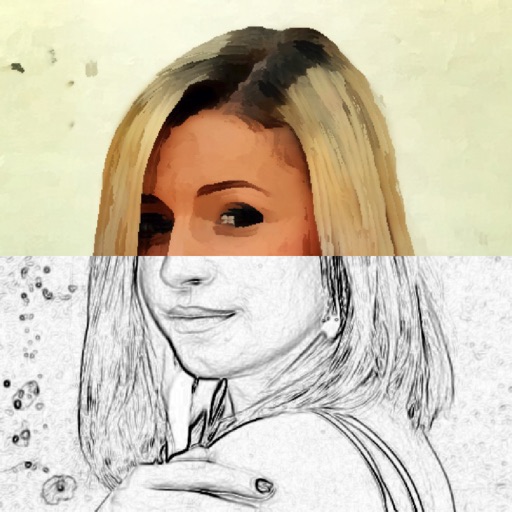
The app generates pencil sketches from photos using the iPhone camera. Users can select images from their gallery or capture new ones to apply various effects like wall paint, comics, and watercolor.
Capture photos and videos in format. Apply emoji face mask filters and generate genmoji, sticker, and memoji filters. Use AR glasses filters and duck mode. Adjust brightness in real-time. Edit photos by selecting colorspace, CMYK, and RGB channels.
Take photos with three quality levels: medium, low, and very low. Apply 18 filters. Capture square images. Adjust saved photo quality to reduce file size. Share directly from the .
Measure and compare colors accurately using real-time sampling. Capture values and compare them against a white reference for improved precision. Save and share codes in multiple formats.
Allows multiple users to take synchronized photos from different angles. Users can capture simultaneous images, arrange them in a matrix, and create freeze-frame effects. Group mode enables coordinated photo-taking with friends.
Scanned images to editable with automatic border detection and perspective correction. Import photos from Camera Roll, crop selected areas, and edit recognized . Copy, share, or send via multiple methods. Supports English only.
Calculate shot groups and zero rifles with customizable units and target compatibility. Input shot data to analyze accuracy. Export results and share directly. Adjust MOA/MIL or INCH/CM settings.