Create photo collages and video slideshows with customizable layouts, colors, and patterns. Add text, filters, and music. Edit photos with object removal, skin softening, and blur effects. Include stickers, outlines, and background adjustments.
Correct underwater photos and videos by adjusting color tones with a single tap. Transform dull blue-green hues into natural, vivid colors. No account needed. Access example media in the help section.
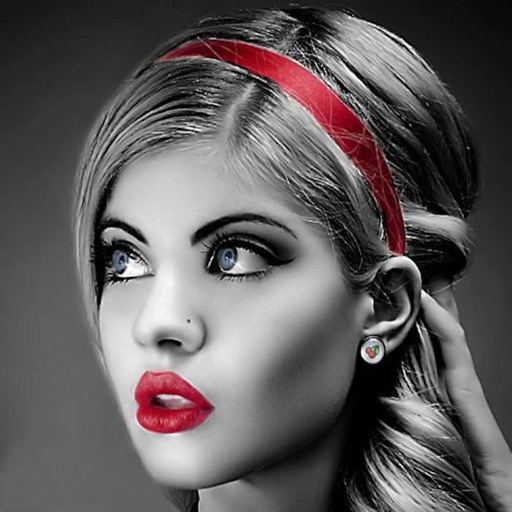
Convert to grayscale and highlight a specific . Tap to select the to emphasize. Preserve detail and apply effects using advanced computer vision. Export edited images directly.
Edit photos with selective effects using gesture controls. Zoom and pan to adjust splash areas. Convert parts of the image to grayscale while keeping selected regions in full . Export edited photos directly.
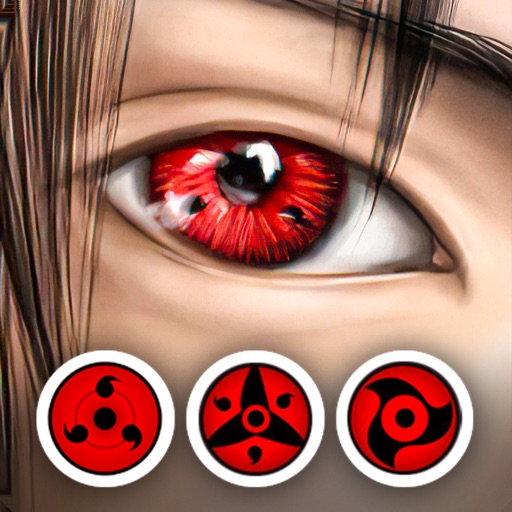
Edit photos by applying lenses and eye effects. Choose from various eye types and colors. Add red circles for a hypnotic effect. Drag and adjust lenses for custom placement. Share edited photos directly.
The app offers control over Philips Hue lights with features like smart timers, customizable switches, and widgets. It allows users to create ambiance, dynamic animations, and access lights remotely.
Convert photos to style with 16 customizable masks. Adjust colors and settings for detailed control. Save high-resolution artwork for print. Share creations socially. Supports iPhone, iPad, and iPod touch.
Create and edit digital artwork with layers, brushes, and custom tools. Adjust colors, brightness, and contrast. Import photos and sketches. Save and export in various formats. Apply filters and effects. Collaborate with others through cloud sharing.
Edit videos by colorizing specific parts and adjusting brightness, saturation, and hue. Change of selected areas, adjust contrast and white balance, and apply vignette effects. Convert videos to black and white with retention in chosen details.
Create promotional posters and advertisements quickly. Choose from 120+ background templates and customize sizes in various ratios. Add text, images, and graphics to design posters. Share finished directly to social media platforms.
Edit videos by adding zoom effects using pinch or drag gestures. Cut or uncut unwanted sections with the scissors tool. Change aspect ratio and videos. Save and share edited videos directly.
Create custom bordered wallpapers from your photos
Create custom bordered wallpapers by importing photos from your library or selecting included images. Adjust border color, style, and opacity. Export wallpapers to your photo library and apply them to home or lock screens.
Convert black and white images to using selective recoloring. Select photos from the gallery or capture new ones. Pan and zoom for precise editing. Resize and fit images to the screen. Use redo and undo features for error correction.
Edit photos with filters, select and apply Independence Day , add text with customizable font style and size. Share edited photos via social links. Set color options and arrange images in sets.