Learn number sense and math through interactive . Trace letters and numbers, practice writing words, and explore phonics and reading. Engage with curated educational content designed by experts to support early learning and development.
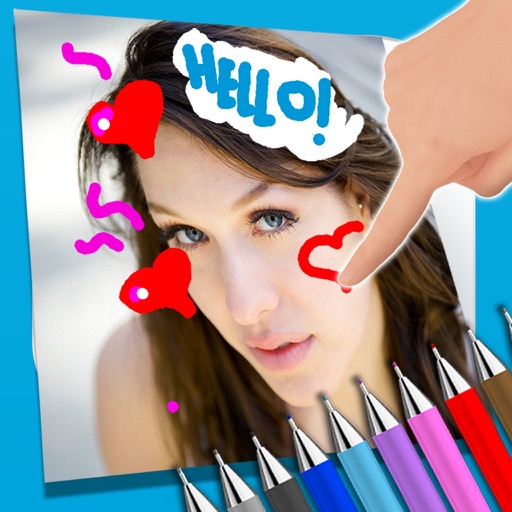
The app allows users to write notes and draw on images using a photo and text editor. Users can select from three pencil types and various colors, change backgrounds, and add captions to photos.
The app allows users to add typography, filters, frames, shapes, and stickers to photos. It includes tools to adjust sharpness, brightness, saturation, contrast, RGB, hue, and exposure.
Pages feature -themed images for children to color. Users can select and apply colors to drawings. Options include drawing freehand or using pre-set tools. Save and share completed artwork.
The app combines geometric shapes with text and equation editing. Drawing data can be transferred for collaboration and backup, and drawings can be shared on social media.
Handwriting fonts and save them permanently. Design fonts with multilingual support for 40+ languages and alphabets. Add lowercase, uppercase, numbers, and special characters. Export fonts as .TTF files for use in desktop and mobile apps.
Take photos of objects to create - animations or time-lapse videos. Edit sequences, adjust timing, and export as cartoons or animations. Combine photos into videos with customizable transitions and effects.
Children can freely using a virtual notebook with crayons and brushes. They can sketch shapes, experiment with colors, and create without limits or templates.
Create and customize stick figures with drawing tools. Add expressions, clothing, and accessories. Save and share drawings. Explore interactive scenes with hand-crafted animations. Import and export artwork.
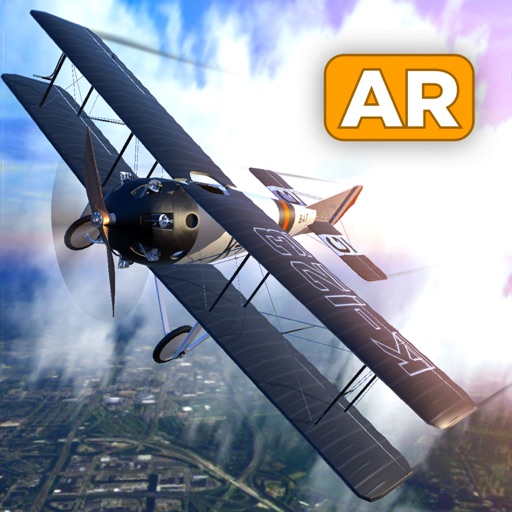
Fly RC in augmented reality with realistic flight controls and customizable aircraft models. Choose from planes like the Dutch Bi-plane, stunt plane, or fighter jet. Play mini games such as popping balloons.