Draw on a or whiteboard with adjustable brush sizes and multiple paint colors. Create shapes like lines, arrows, circles, and polygons. Add text with customizable font sizes. Import photos and record video directly within the .
Perform basic and scientific calculations with equation display and history tracking. Switch between binary, octal, decimal, and hexadecimal modes. Calculate fractions directly. Use widget for quick computations.
Solves matrices with calculations like inversion, determinant, and decomposition. Explains each of algorithms. Offers interactive geometric visuals. Includes tutorials with proofs and links to related topics for Linear Algebra concepts.
Solves math problems with support for multi-story fractions, powers, and roots. Calculates trigonometric functions and complex numbers. Stores expressions and answers. Switches between basic, , and fraction modes.
Plus provides arithmetic and scientific calculations with live expression preview and error detection. Perform operations in exact form, fractions, and scientific notation. Switch between standard and scientific modes. Share results directly.
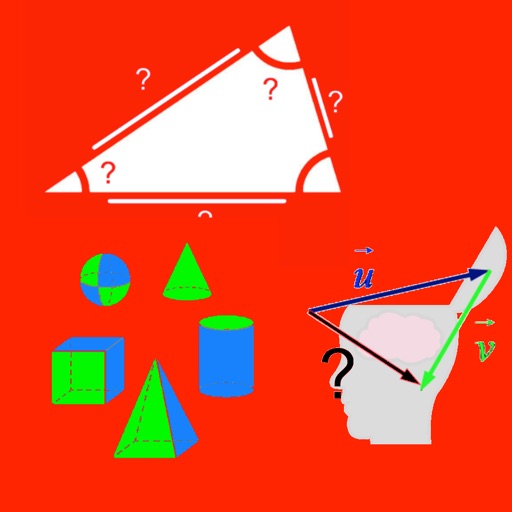
Calculate area, perimeter, and angles for various shapes including right-angled triangles, squares, equilateral triangles, circles, isosceles triangles, ellipses, and scalene triangles.
Perform arithmetic operations, including addition, subtraction, multiplication, and division. View a display log of calculations and results. Use a backspace key to correct entries. Support decimal points or commas for number input.
Perform calculations in a stack format. Each line functions as a standalone calculation or interacts with others. Edit, delete, or rearrange entries. Use mathematical functions and parentheses. Save and recall previous calculations.
The app helps users with lumber and timber calculations, including generating cut lists and calculating board feet. It supports hardwood and softwood species, saving lists, and emailing them as tables.
Calculate areas and volumes of various shapes including squares, rectangles, triangles, circles, and ellipses. Input dimensions to get formulas and results. View volume calculations for cubes, cylinders, cones, and spheres.
Calculate areas, volumes, and estimates using both imperial and metric systems. Convert units with built-in converters. Customize themes to choose preferred colors. Perform basic math operations and track calculations for projects.