Write calculations directly on the screen for real-time results. Edit equations with gestures or add elements anywhere. Drag and drop previous results for reuse. Supports interactive ink for natural handwriting input.
Practice skills through interactive tailored by level. Complete activities to earn rewards and track progress. Access aligned curriculum standards and view performance reports. Share achievements with parents and teachers.
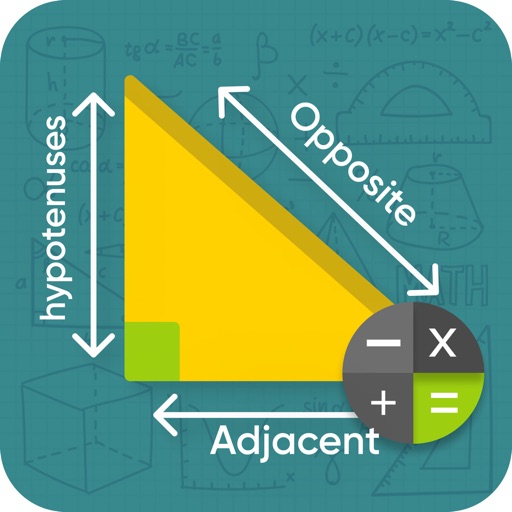
Calculate values of a -angled using hypotenuse, cathetus, opposite, adjacent, or angles. Enter two values to automatically compute all other values. Display results with detailed formulas and units. Save and share calculations.
Edit equations during calculations. Save, copy, and share calculation history. Access memory for last calculations. Use dark mode. Support drag and drop. Enable split view for . Perform basic calculations on iPhone and Apple Watch.
Perform length calculations, determine fittings angles, and estimate material requirements. Access schedules, standards, and industry-specific data. Convert units and calculate pressure drops. Save and export calculation results.
Perform basic and calculations including trigonometric and inverse trigonometric functions. Use mathematical functions like absolute value, ceiling, floor, and rounding. Modify calculations in real time by clicking steps.
Measure areas and calculate distances using GPS. Draw polygons on maps to calculate field areas. Save and share data. Access detailed maps and satellite imagery for accurate surveying.
Solve right-angled triangles by inputting known sides or angles. View step-by-step calculations and a scale drawing of the triangle. Access basic trigonometric formulae. Enter angles in radians, decimal degrees, or degrees, minutes, seconds.