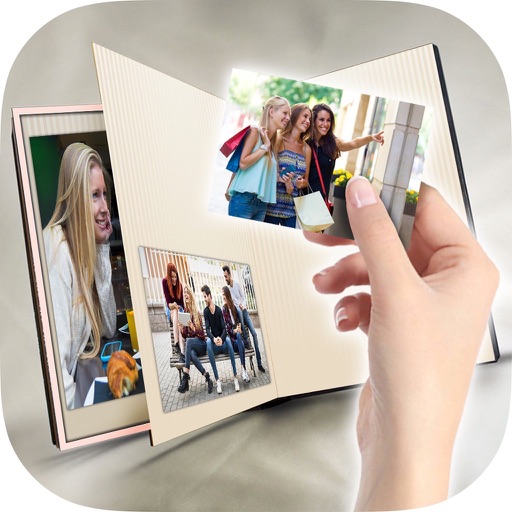
Print photos instantly from a smartphone or mobile device. Edit images with filters and cropping. Add signatures, emojis, and create stories using Polaroid Pop content. Share edited photos directly.
by C&A Marketing Inc.★ 4.32,560 ratingsPhoto & VideoFreeData updated 2026-09-13
Edit photos with and holiday effects. Add text and stickers. Create cards and share edited images directly. Decorate photos with festive themes and access a photo booth feature.
The app allows users to order prints and photo gifts for store pick-up or delivery. Users can upload photos from devices or the cloud and choose from various print sizes.
Create a photobook by selecting a format and theme. Choose photos and add text for each moment. Edit videos using selected photos and add music. Export and share the final project.
Edit photos and videos with AI-powered tools, apply cinematic and anime styles, and use prompts to generate creative effects. Adjust colors, crop, and add text. Share edited content directly.
Add watermarks or logos to photos and videos. Upload custom logos or text for copyright protection. Apply watermarks to multiple files at once. Edit images and videos with overlay options. Save and share marked content directly.
Edit photos with frames and burning effects. Add realistic flame art to images. Select from multiple options. Apply effects to enhance visuals. Save and share edited photos.
Capture and organize high-resolution photos of landscapes, ice formations, and wildlife. Edit images with cropping and filters. Add location tags and share directly to social media or email.
Take selfies and photos using front and back cameras. Apply live filters and magic filters. Crop, rotate, and flip images. Add text with various fonts and colors. Apply stickers and share edited photos.
Create and visa photos for DV Lottery, green card, and government ID applications. Use AI to generate headshots. Edit photos with cropping, lighting, and background adjustments. Export for email or print. Save time without needing a studio.
Create -themed photos by adding stickers like pumpkins, ghosts, and skulls. Preview stickers in real-time during capture. Edit photos on iPad or iPhone. Share via email or Facebook.
Create collages by arranging and combining photos. Add text, stickers, and borders. Adjust colors and brightness. Save and share collages directly. Import images from gallery or camera. Apply filters and effects.
Use AI-powered makeup and filters tailored to face shape and skin tone. Apply stylish stickers and templates to customize photos. Edit images with retouch tools and share directly.
Take photos in low light with a minimalistic interface. Adjust screen brightness and color temperature. Apply filters for film and sensor simulations. Capture images in dim environments without external lighting.
Edit photos and videos without cropping. Adjust size, rotate, scale, and flip images. Choose from gallery or camera. Share directly to Instagram and social media platforms.
Upload photos to convert into or 3D avatars using AI. Edit images with filters, adjust colors, and add text. Share edited photos directly or export in multiple formats. Create group portraits and customize styles.