Apps Like Flow: Note Taking & Sketchbook for iPhone and iPad
Sketch, , plan, share
Take notes, sketch, and plan in a single with realistic ink and paper. Create custom tools and choose from colored paper types. Collaborate on documents and sync notes across devices. Write and draw with infinite width pages.
by Bonobo Pte Ltd★ 4.17,224 ratingsGraphics & DesignFreeData updated 2026-09-13
Scan paper documents into digital format using mobile device camera. Save as multipage PDF or JPEG. Edit documents, add e-signature, and recognize text in scanned files. Share documents directly via email or cloud services.
Pollux Bilisim Teknolojileri Sanayi ve Ticaret Limited Sirketi
Sketch on photos with AR
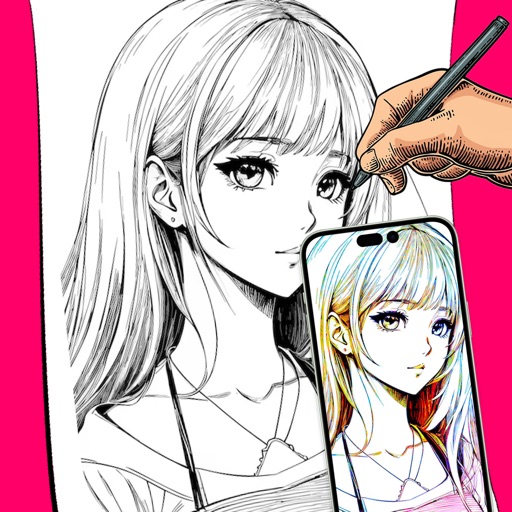
Use AR to sketch and draw on photos with realistic ink effects. outlines or create pencil sketches from images. Convert photos into artistic drawings with AI-powered tools. Save and share finished artwork directly.
Create AI artwork by entering text or uploading images. Choose from styles like anime, cyberpunk, and sketch. Earn free painting cards through daily check-ins. Edit and export generated art in various formats.
Remove duplicate photos, videos, contacts, and documents to free up storage space. Delete unused apps and cache files. Organize files into folders and manage storage usage. Clean device memory by removing temporary data and unused files.
Use phone camera to project anime-style templates onto paper or surfaces. Trace outlines to create art. Adjust lines and colors. Export drawings in various formats. Sync with digital tools for further editing.
Create and organize handwritten notes with customizable stationery and stickers. Edit accounts manually with detailed tracking. Classify notes into handbooks for structured management. Set passwords to secure personal data.
Scan documents, extract data, create PDFs, organize
Scan documents and business cards to create PDFs. Extract contact information automatically. Organize files using folders and tags. Edit, sign, and send scanned documents. Manage and store digital files in a personal library.
Edit notes with markdown or rich text formatting. Create and sync notes across devices. Customize toolbar and settings for personalized editing. Export notes in various formats. Integrate with Evernote for seamless note management.
And PDF documents directly on mobile. Edit fields, add handwritten or typed signatures, and send documents instantly. Automatically detect fillable areas for quick completion. Share signed files via email or cloud services.
Manage and organize PDF documents by editing, signing, and . Convert PDFs to voice files, compress documents, and access advanced features with a subscription. Share and annotate PDFs directly within the .
Scan documents to create high-definition PDFs with automatic cropping. Edit text and annotations within PDFs. Convert files to other formats. Share and export edited documents directly.
The app functions as a note and sketchbook, PDF annotator, and voice memo tool. It allows users to capture ideas with voice recordings, handwriting recognition, or by annotating documents.