Take photos with multiple filters, light leaks, and effects. Use a timer, volume keys, and composition lines. Crop images in various ratios. Edit photos with filters and apply them to images taken with other apps.
Connect to via Bluetooth to send photos for instant printing. Adjust image orientation and zoom before printing. Use smartphone as remote control to trigger camera shutter. Transfer printed photos to device for storage.
Remove from images using AI-powered auto cutout. Star mode enhances edge detection for precise erasing. Auto mode automatically deletes similar pixels. Export transparent images for use as in other apps.
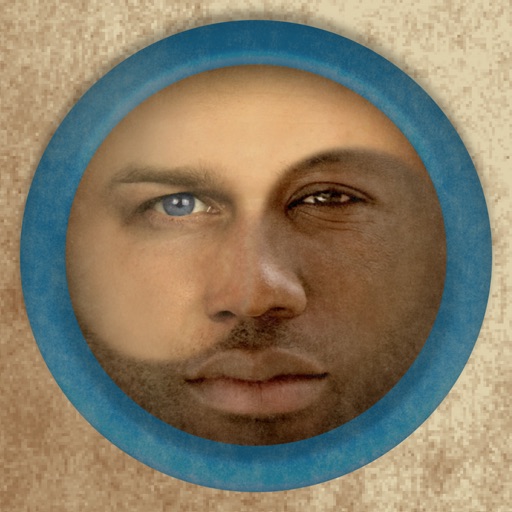
Merge faces to create humorous mixed images with friends, family, or celebrities. Adjust facial features and proportions. Share results via email, MMS, Facebook, or Twitter. Use preloaded example pictures or upload photos.
Add to photos with machine learning. Choose from Bokeh, Box, Motion, Crystallize, or Pixelate styles. Adjust intensity with a slider. Apply to single or multiple images.
Take photos with color and sharp filters. Apply whiteness and beauty skin effects. Combine filters and colors for custom looks. Add contacts in 64 pattern colors. Use filters in both camera and alarm modes without charge.
Transfer photos and videos from supported Nikon cameras to a computer. Connect via USB or Wi-Fi. View, organize, and delete files. Edit images with basic tools. Share files directly from the computer.
Set intervals and number of shots per interval. Capture photos automatically. Review and select desired images after the session. Share selected photos directly.
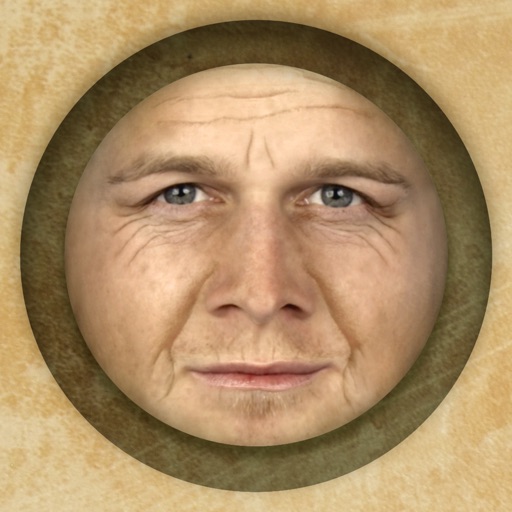
Predict how faces will look as they age. Upload photos to generate aged versions. Adjust aging intensity and style. Share results via email, messaging apps, and social media. Includes features like shaking to trigger aging effects.
Lens Buddy Selfie Timer Photo Video Filter Camera LLC
Capture photos on your own schedule
Take photos automatically using a set time interval between shots. No need to press buttons or hold the device. Capture -portraits and group photos. Edit and share images directly from the . Sync with social media platforms.
Record live videos and photos. Apply and to images and videos. Upload from gallery or capture directly. Use on jewelry, landscapes, and vehicles. Adjust for creative visuals. Share edited content.
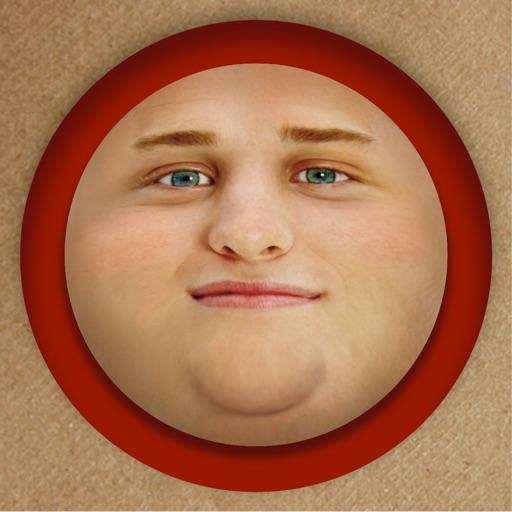
Edit photos by adding exaggerated weight gain effects to faces. Share modified images via email, iMessage, Instagram, Snapchat, Facebook, Twitter, and WhatsApp. Toggle between original and altered views using device shake.
Upload full-size photos to social media without cropping. Adjust aspect ratios to match platform requirements. Preview and finalize images before sharing. Avoid cutting out parts of group photos. Save and share original quality images directly.
Edit photos by beautifying faces or replacing backgrounds. Apply filters and adjust images. Duplicate subjects in portraits. Use depth data from dual-camera photos to enhance edits and create -style effects. Export modified images directly.
The app offers professional beauty tools for skin makeovers and selfie filters. It includes various camera lenses, silent mode, and collage features for sharing on social networks.