Overlay two images for detailed comparison. Adjust transparency and alignment. Identify subtle differences with pixel-level accuracy. Save and share comparison results. Supports various image formats and resolutions.
by Aceca Corp.★ 4.52 ratingsUtilitiesFreeData updated 2026-09-13
Customize camera and lighting settings for Fly6 Pro, Fly12 Sport, Fly6 GEN 3, Fly12 CE, Fly6 CE, or Fly12 bike cameras. Overlay Strava activity and map data on videos. Create automatic highlight reels.
Read PDF files offline with full document interaction. and convert documents to PDF. PDF books and notes anytime. Adjust text size and formatting. Share files directly from the .
Enhance photos with AI-powered adjustments. Improve facial details and skin texture. Remove scratches and restore old images. Compare before and after edits. Save and share edited photos.
Apply holiday colors to entries for visual distinction. Sync with iOS default data. Choose from 18 colors. Set start day of the week. Manage events with familiar interface.
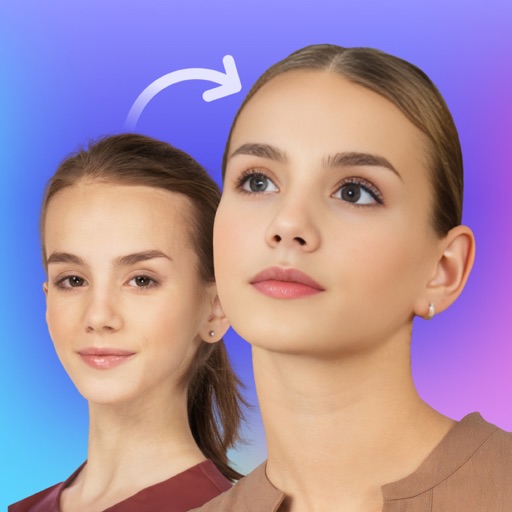
Swap faces in photos with AI technology. Adjust facial features and expressions. Anonymize or prank by replacing faces in profile portraits. Handle complex cases like sideways faces, glasses, and headwear. Swap faces up to 1024 px in size.
Edit photos with filters, contrast, brightness, and color adjustments. Add text, stickers, and drawing tools. Customize images and landscapes. Export in high quality. Access a free image library. Apply advanced editing features.
Scan bottles to identify brands and access detailed information. View tasting notes, user and expert reviews, and price comparisons. Track collections and learn about different types and regions.
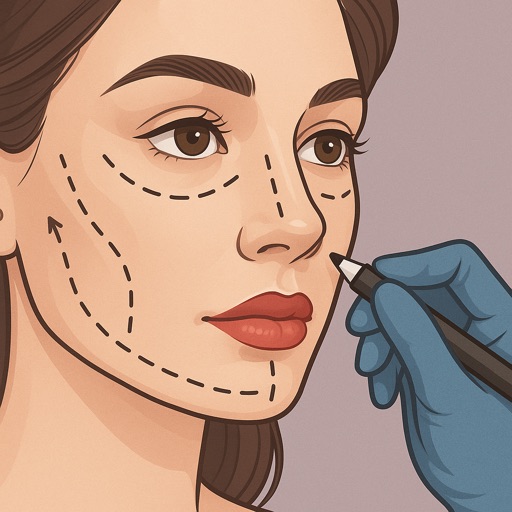
Preview fillers, Botox, rhinoplasty, facelifts, and jawline contouring using AI-generated images. Adjust details like shape and volume. Save and share results. Compare before-and-after views.
Offers full control over settings including white balance, exposure, ISO, shutter speed, and focus. It supports manual and automatic modes with priority options for ISO and shutter.
Track and report incidents in real-time using location data. View details, photos, and timestamps. Receive notifications about nearby incidents. Share reports with authorities or contacts.
Create comparisons by placing two images side by side in an interactive . Adjust the split point to highlight changes. Share the comparison directly or export as an image. Support multiple aspect ratios for different display needs.
Edit photos with brightness and exposure sliders for precise control. Choose from JPG, PRO, RAW, and HEIF formats. Capture images in high quality. Adjust custom settings for advanced photography.
Edit videos with speed control and custom filters. Create clips from multiple videos. Adjust image and sound settings. Crop photos intelligently. Apply customizable effects and export final edits.
Take photos or upload images to identify using AI analysis of shape, size, depth, and trail patterns. View species matches with confidence scores, habitat details, and track features.
Enlarge and share Instagram pictures with higher quality. Save larger versions for social media sharing. Integrate with Facebook for updates. Adjust image size and format for different platforms.
Save multiple prompts and system messages for different AI models. with various AI models in one interface. Support image input and generation. Use advanced voice mode for audio conversations. Access local models without internet.
Create realistic AI-generated of yourself in various styles and settings. Choose different scenarios and appearances. Edit and refine generated images. Export and share final .
Secure internet browsing with encryption to protect data. Route traffic through a server for privacy. Manage settings and monitor network activity. Block malicious websites and hide IP address.