Apply audio filters with 21 types including lowpass, bandpass, and comb. Adjust filter slopes up to 48 dB using SVF, diode ladder, and transistor ladder. Add distortions and modulations for sound effects. Output processed audio files.
The app allows users to record up to four tracks with a simple interface. It includes a metronome, looping features, and options for merging tracks for unlimited recording possibilities.
Create and edit music with virtual instruments, MIDI sequencing, and audio recording. Arrange tracks, adjust parameters, and export projects. Supports hardware integration for advanced features.
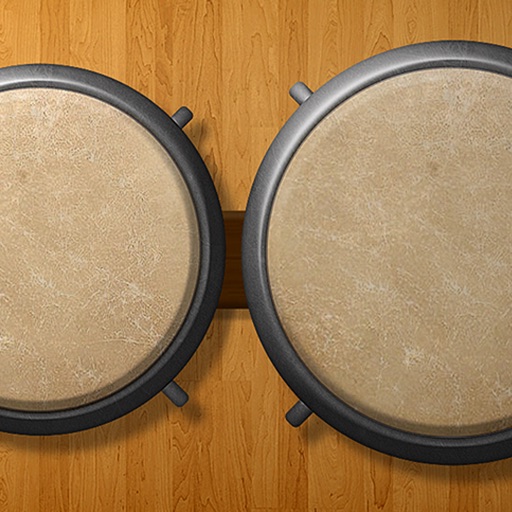
Play using 18 high-quality, professionally recorded samples. Add cowbell and sticks for additional percussion. Adjust sound settings for optimal playback on iPhone or iPad. Perform with low latency for precise timing.
Record and manage audio loops with adjustable length and auto-record features. Control loops via MIDI foot controller or onscreen buttons. Enable count-in and auto-close loops without manual input. Sync with MIDI devices for hands-free performance.
Allows users to play and organize sound effects, music, and voiceovers with a customizable grid layout. Features include customizing button colors and settings, creating soundboards, and accessing advanced playback controls.
Create and layer sounds using up to four independent synthesizers. Each layer includes three VCOs, a sample or wavetable source, and recording capabilities. Set up to 16 voices per layer.
Play using realistic samples from four real . Adjust dynamics to forte, mezzo-forte, or piano. Select notes within each drum's range in a standard four- setup. Toggle rolls on or off.
The app allows users to play, record, edit, and import sounds. It includes audio playback, a recorder, an editor, looping, and multiple renameable soundboards with custom icons.
Edit audio files by slowing down, looping, or auto-transposing notes. Transcribe audio and video content. Save and share edited files. Export in various formats. Sync with mobile devices for on-the-go use.
Edit by cutting, trimming, splicing, and merging clips. Apply fades and crossfades. Adjust volume and equalization. Record high-quality directly. Export in various formats. Collaborate by sharing files and syncing projects across devices.
Create and control drum loops using a matrix interface. Adjust timing and effects for beats. Perform live with customizable drum pads. Export tracks and share music. Sync with devices for real-time playback.