Convert videos to various formats including MP3, MP4, MOV, WebM, MKV, and HEVC. Extract audio from videos to MP3, M4A, WAV, and FLAC. Compress videos to reduce file size while maintaining quality. Batch import and process multiple videos at once.
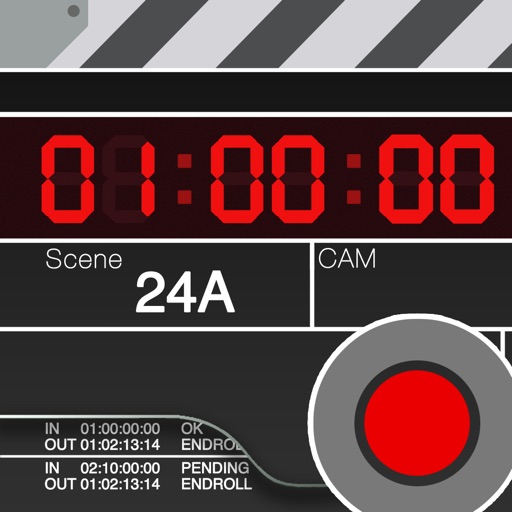
Is a clapperboard and recording sheet for image production. Users can input title, scene, camera, and director details. It includes clapper sound animation and supports global timecodes. Recording takes can be edited and saved in a list.
Scan documents and convert to PDF, DOC, and other formats. Upload files like images, videos, and audio for conversion. Convert between various types with one . Edit scanned documents and manage converted files. Share converted files directly.
Edit videos with trimming, splitting, rotating, flipping, reversing, deleting, and duplicating clips. Merge videos, photos, and live photos. Reorder clips as needed.
Edit videos by adjusting playback speed and pitch. modified videos or audio files. Apply section settings during . Share exported content directly. Free trial available for first . In- purchase required for continued use.
Compress videos to reduce file size without quality loss. Edit videos and photos with trimming, cropping, and filters. Batch compress multiple files at once. Save and share compressed videos directly.
The app displays technical information about video, audio, and photo files. It supports numerous file formats and allows users to compare collected data.
Store media files securely with password protection
Store and manage media files securely with encryption. Upload photos and videos, save notes, and hide contacts. Browse the web incognito without history. Access data via PIN, FaceID, or TouchID. Protect sensitive information from unauthorized access.
Boost video up to 1500% and enhance audio quality. Save edited videos to Photos or Files. Share results via social apps. Supports common formats like MP4 and MOV. Retains original video quality. Stores history of all edits.
The app supports various video and image formats for creating movie overviews. Users can customize settings for background, borders, watermarks, and grid elements, with options for batch processing and exporting to different image formats.
The app converts M2TS files from camcorders to MP4, MOV, MKV, and other formats. It allows users to edit video effects, trim, crop, and join files before conversion for device and platform compatibility.