Play a skateboarding game with one-touch controls. Unlock characters and compete on leaderboards. Automatically grind rails and build combos. Level up to increase air time and improve performance.
Two players take turns tapping the screen as quickly as possible to score points. The with the highest score wins. Compete in real-time matches and track high scores.
Play football by flicking to control angle and curve. Navigate 360-degree wind shifts that affect gameplay. Earn rewards through challenging conditions and competitive matches. Track progress and refine skills in dynamic game environments.
A continuous to complete shapes without lifting your finger or retracing steps. Solve puzzles by connecting dots in a single path. Progress through increasingly complex challenges.
Slide a across the board to guide stickmen into it. Navigate through levels with strategic moves. Track progress and compete against other players. Adjust difficulty settings for varying challenges. Share achievements on social media.
Choose a , tap the screen, and let the randomly select one . Play with friends or family to decide who pays, starts a , or takes charge. No arguments needed.
Jump through procedurally generated worlds while following music beats. Dodge obstacles with one-touch controls. Customize character with avatars, colors, and trails. Unlock hidden secrets and special power avatars.
Arrange cubes into matching colored boxes to complete levels. Use one-finger controls to place cubes. Track progress through multiple boards. Relax with casual gameplay.
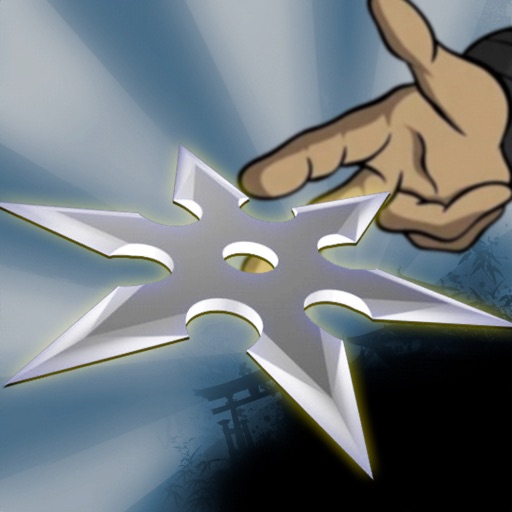
Play a shuriken shooter with multiple levels of increasing difficulty. Control the game with one . Choose random mode for challenging accuracy tests. Complete missions using logic and puzzle-solving skills.
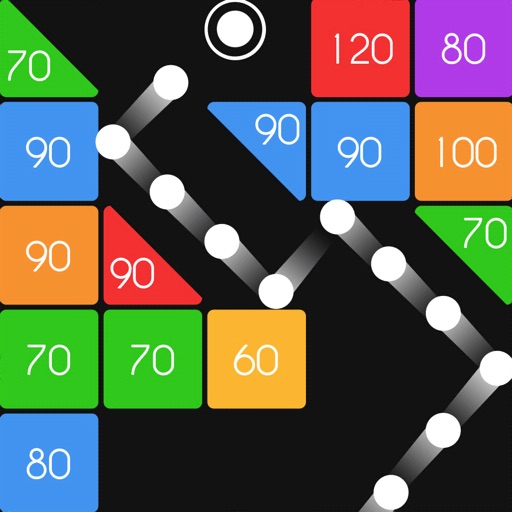
Play with one hand using a single finger to aim and swipe. Break by launching and using power-ups. Unlock special with unique abilities. Compete with friends to beat high scores.
The app offers Klondike and FreeCell solitaire games. Users can interact with cards by touching and dragging them, or by double-clicking to move them to the foundation.