Create and edit tables and spreadsheets on the go. Collaborate in real time with others on shared documents. Access and organize data flexibly across devices. Sync and share files instantly for seamless teamwork.
by Vivek Agarwal★ 4.7100 ratingsBusinessFreeData updated 2026-09-13
Create and manage checklists for inspections. Conduct on-site evaluations and document findings. Raise and track issues for resolution. Manage assets with real-time updates. Train teams through interactive modules.
Create and manage tables with unlimited folders. Add, copy, and duplicate rows and columns. Customize cell properties including color, font, and alignment. Perform batch operations like sorting, deleting, and searching.
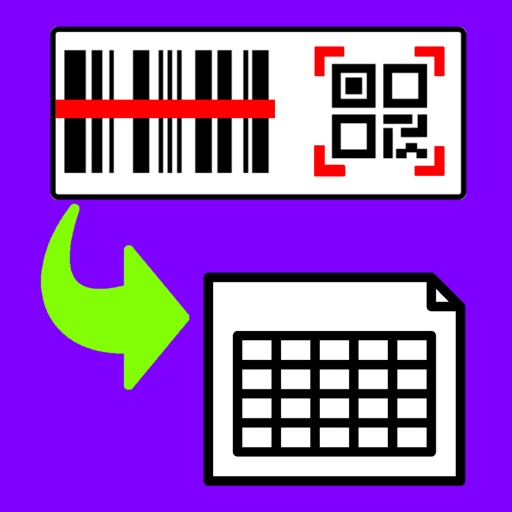
Barcodes to create spreadsheets for inventory, attendance, or event tracking. Email CSV or Excel XML files from iOS devices. Share data to Google Drive and open in Google Sheets.
The app provides a mobile spreadsheet application for iPhone and iPad. It supports formatting, formulas, and compatibility with major office solutions like Excel and Numbers.
Learn to create spreadsheets, use formulas, charts, and functions in MS . Format cells and manage data analysis tasks. Access essential keyboard shortcuts for Windows and macOS. View shortcuts while working on spreadsheets.
Create, edit, view, and manage documents and files. Format text with bold, italic, and underline. Insert tables, images, and hyperlinks. Share documents via email or cloud services. Save and export in multiple file formats.
Create and edit , spreadsheets, and presentations. Open and view PDFs and Apple files. Save and sync files to cloud services like Dropbox, Box, iCloud, or Nextcloud. Collaborate in real-time with others. Export files in multiple formats.
Manage emails, calendars, and contacts from a mobile device. Send and receive messages, schedule meetings, and sync events. Access secure with encryption and two-factor authentication. Share files and manage contacts directly.
Create custom apps from spreadsheets for team use, even offline. Edit and view data directly in Excel or Google Sheets. Automate workflows without coding. Share and collaborate in real time. Sync data across devices. Export reports and track changes.
Convert PDF files to editable spreadsheets while preserving text, layout, fonts, and tables. Edit and calculate data in the resulting .xlsx files. Open converted files in compatible mobile office apps like Microsoft or WPS.
Create and edit spreadsheets using 115 pre-designed . Organize financial data, track projects, and generate proposals. Customize layouts, apply formulas, and export files in format. Sync with mobile Office apps for seamless editing.
Create and assign , track completion status, and manage asset health insights to prevent equipment failures. Log maintenance activities, set reminders, and access real-time updates across devices.
Track time, income, expenses, and habits with a minimalist interface. Add data to instantly tally values and perform calculations. Switch between dark and light mode, share with others, or export to CSV for external viewing.
Manage team communication with chat, video calls, and file sharing. Schedule meetings and set reminders. Create and share documents in real-time. Integrate with third-party apps for workflow automation. Track project progress and assign tasks.