Use stickers featuring cute animals from a fantasy world. Customize messages with character expressions and backgrounds. Share stickers across platforms and save favorites for quick access.
by Sayaka Sugiyama★ 4.433 ratingsStickersFreeData updated 2026-09-13
Add -themed stickers to messages. Choose from a variety of designs. Tap to attach stickers directly to conversations. Share stickers with contacts. Customize placement within messages.
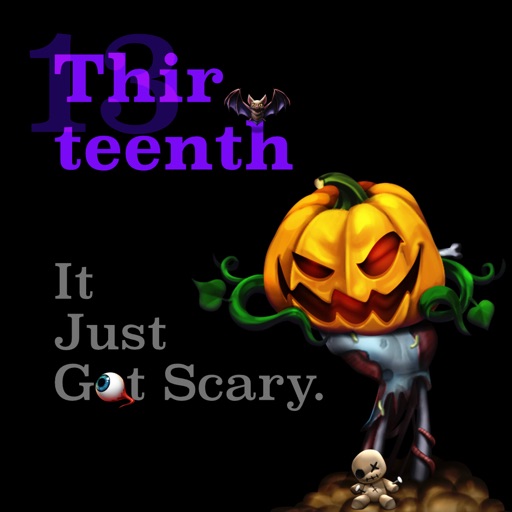
Create and share messages with animated stickers. Choose from a collection of scary-themed stickers to add visual effects. Customize stories with multiple sticker options and send through messaging apps.
Add stickers to messages with customizable categories like food, travel, and emotions. Choose from themed designs. Share stickers across platforms and save favorites for quick access. Edit sticker size and position within messages.
Add Boi stickers to messages. Choose from various moods and poses. Customize size and position. Share stickers across platforms. Replace text with expressive Boi images.
Send text messages with comic book-style stickers featuring pop art designs. Include cartoon bubbles, reaction stickers, and captioned images. Customize messages with colorful, expressive visuals for added flair.
Add stickers to iMessage conversations. Choose from free stickers or purchase to unlock more. Customize sticker sets and use them in messages. Updates available regularly. No additional costs after purchase.
View illustrated stickers based on 23, depicting scenes from the biblical chapter. Customize messages with themed stickers. Switch between light and dark modes for display preferences. Share stickers across compatible apps.
Create and send messages with verse stickers. Choose from various and designs. Add stickers to conversations or social media posts. Share faith-based messages with others. Customize messages with different .
Use HD Parrot stickers to add fun animations to iMessage conversations. Send dancing, clapping, and partying. Customize sticker size and position. Share stickers with friends via iMessage.
Add stickers to message threads by tapping or dragging them onto messages, photos, or other stickers. Place stickers anywhere in the conversation. Use red stickers to express friendliness and share otaku pop culture.
Add stickers to message threads by tapping or dragging them. Place stickers on messages, photos, or anywhere in the conversation. Features include customizable placement and integration with messaging apps.
Send text messages with illustrated lyric stickers. Place stickers over bubbles or images in iMessage. Use as camera effects in iMessage and FaceTime. Supports Light and Dark Mode.
Send as stickers with watercolor backgrounds, flowers, and greenery. Include encouraging and inspiring messages. Decorate text messages with festive designs. Share with friends and family.