Practice with customizable exercises and difficulty levels. Solve problems, including image-based puzzles. Track progress and set goals for improvement. Share results and compete with others.
Learn basic concepts through interactive tasks. Use printed cards with the laptop camera to solve problems. Track progress and reinforce skills with visual and hands-on activities.
Sticker game lets children drag and place to complete scenes. Features include animal, plant, number, and vehicle themes. Kids can match objects, sort items, and solve simple puzzles.
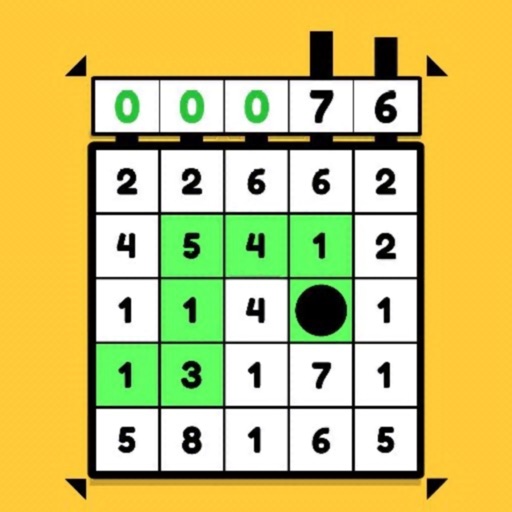
Solve problems by finding answers in number grids. Customize difficulty levels for varying skill sets. Track progress and review solved puzzles. Share results with friends.
Practice with addition, subtraction, multiplication, and division
Practice arithmetic with addition, subtraction, multiplication, and division. Select a difficulty level to start. Combine six numbers in bubbles with mathematical operations to match the target number at the bottom right.
Solve number puzzles by replacing digits to achieve consistent results across all directions. Perform actions left to right, ignoring mathematical order. Use hints when needed. Play offline with no internet required.
The app offers practice for middle school math skills, covering topics like rational numbers, radicals, scientific notation, graphs, and geometry. It provides three difficulty levels per topic and aligns with Common Core State Standards.
Solve simple math equations in an arcade game format. Track progress over time. Adjust difficulty levels. Receive instant feedback on answers. Compete with friends through leaderboards. Share achievements on social media.
Learning helps users practice addition through interactive gameplay. Avoid obstacles while finding numbers that sum to a target. Progress through increasing difficulty levels. Replay previous levels for skill reinforcement.