Create artistic images by masking subjects and separating them from backgrounds. Apply filters to subjects or backgrounds for dramatic effects. Adjust styles and textures to enhance visual impact. Share edited photos directly from the .
Sensitive data in videos by applying advanced blurring techniques to faces, text, or personal information. Edit projects with auto-saving, delete or create new projects, and manage edits with one-click actions. Export edited videos directly.
Edit photos with , , and AI cutout tools. Apply neon, glitch, and overlay . Add doodles, artistic text, and fun stickers. Share edited photos directly to Instagram, WhatsApp, Facebook, and Messenger.
The app offers over 200 overlays and 140 filters to enhance photos. Users can add typography and artworks from a selection of over 700 artworks and 150 fonts.
Automatically pixelates faces and blurs sensitive content in photos using smart auto blur. Users can hide or reveal faces with a single tap. Manual editing allows adjusting filters like pixelate, blur, mosaic, and crystallize.
Edit photos with blur background settings, shattering effects, and color frames. Add overlays and crop, rotate, or flip images. Import from gallery or camera, and share edited photos to social media.
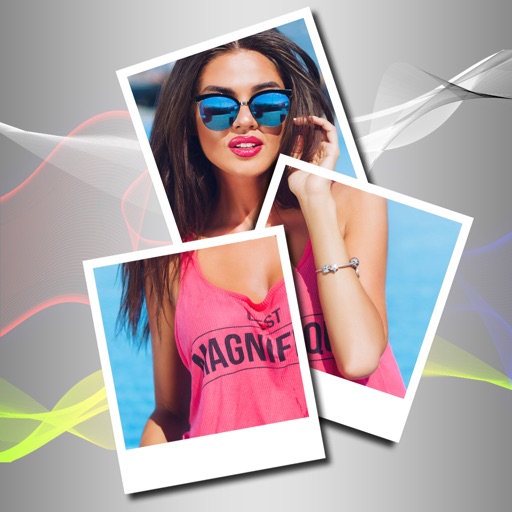
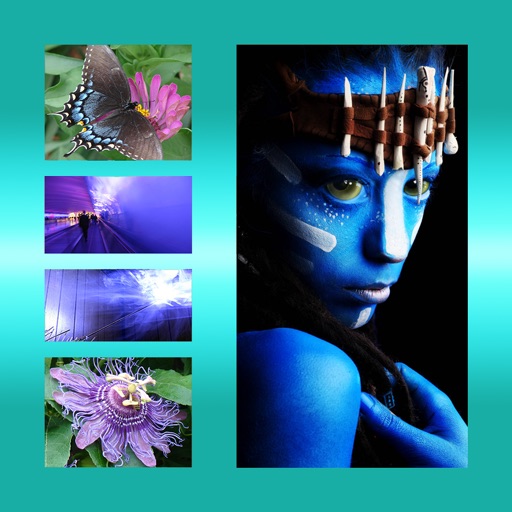
The app allows users to combine multiple photos into one framed picture. Users can adjust contrast, brightness, and saturation, add text, and apply effects.
Edit photos with skin smoothing, blemish removal, and tone adjustment. Resize body parts, whiten teeth, and change hair or eye color. Apply makeup, add filters, and adjust lighting. Save and share edited images directly.
The app offers a large collection of Hollywood special effects for photo editing. Users can add professional composition tools like color correction, motion blur, and fog to their images.
Edit photos with cropping, resizing, and removal tools. Apply filters, adjust colors, and add text overlays. Export images in various formats and share directly to social media or online stores.
Edit photos with single-tap filters, brightness, opacity, contrast, blur, and focus adjustments. Rotate, crop, and resize images. Share to Facebook, Twitter, or Instagram. Save to photo library or send directly.
Edit photos and videos with vintage and retro styles using curated presets. Apply filters to adjust color, contrast, and tone. Use templates for minimal, paper, film, or polaroid effects. Export edited content in various formats and share directly.
Edit photos with advanced tools like layers, masks, and adjustment brushes. Crop, rotate, and resize images. Add text, stickers, and special effects. Export in various formats and share directly.