View and manage assigned punchlist items directly from the . Mark items as completed, add notes, and receive real-time updates. Access project-specific tasks without printing or sorting physical documents.
by Archon Application Systems, LLC★ 4.33 ratingsBusinessFreeData updated 2026-09-13
View and analyze ESRI geodatabase data on or offline. Edit features, perform red lining, and conduct field inspections. Collect data, manage outages, and query spatial information. Sync and share updates with GIS systems.
Manage tasks with a to-do list for each week. Create or delete tasks directly in the . Swipe to view next or past weeks. Mark tasks as completed and track progress across weeks.
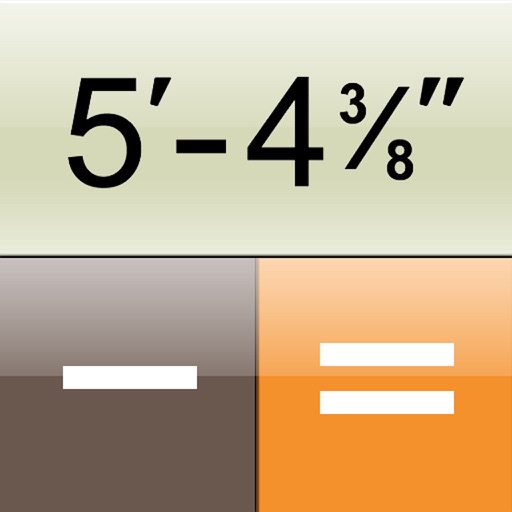
The app transforms a device into a construction calculator for feet, inches, and fractions. It performs calculations and conversions for various measurement units, including a triangle function for rise, run, diagonal, and pitch.
The app manages punch lists and inspections for general contractors and real estate developers. It allows users to input items in the field and share location-based reports with subcontractors via email.
Track jobsite deliveries with real-time GPS updates and view photos of delivered orders. Send text messages to general contractors or subcontractors about delivery status. Report issues with deliveries and review materials received.
View Projects with a clean interface. Navigate through boards, cards, and tasks. Filter by labels and due dates. Comment on issues and track progress. Sync across devices.
Manage with detailed product and asset tracking. Support product variants and custom attributes. View products in grid or list format. Scan barcodes for quick data entry. Sync in real time across devices and warehouses.
Calculate subwoofer enclosures and wiring diagrams
Calculate bass reflex box settings, quarter-wave resonator configurations, and subwoofer enclosure tuning. Generate sine waves and verify box settings. View speaker wiring diagrams for parallel and serial connections. Select appropriate power cables.