Simulate the ANS synthesizer by drawing spectrograms to create music. Adjust parameters like pitch, amplitude, and envelope. Play back compositions and export audio files. Learn about the history and unique capabilities of the ANS instrument.
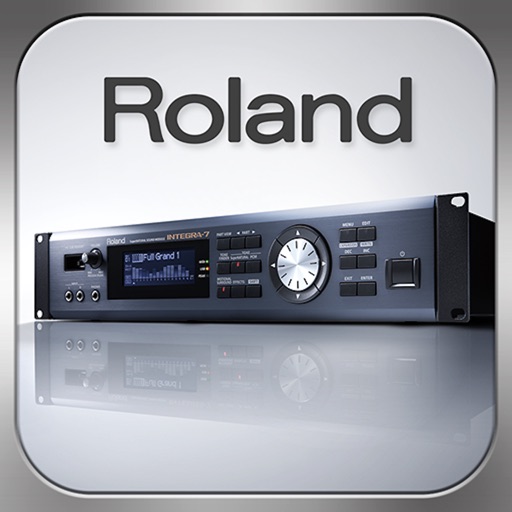
Control synthesizer parameters like SuperNATURAL Synth Tones and Part Mixer remotely. Select and load Studio Sets. Adjust tone assignments for each part. View and modify settings on an iPad screen. Requires Roland -7 and Wireless Connect.
Trim audio files with millisecond precision. Cut, merge, and mix tracks. Create custom ringtones and alarms. Adjust bitrate and volume for quality. Export in supported formats. Set as device or notification sound.
Control compatible car multimedia receivers via Bluetooth. Select radio stations or USB music tracks from the rear seat. Display source information on the smartphone screen. Use gesture controls for play, pause, skip, and repeat in drive mode.
Create and manipulate music using real synthesis and 2,500+ samples from actual video game chips. Adjust waveform parameters, apply filters, and layer sounds. Export tracks and share directly.
Create and arrange using clip-based editing. Trigger samples and loops, record audio, and capture MIDI performances. Drag and drop clips to experiment with arrangements. Edit audio and MIDI with shaping .
Play with Live Activities that sync with Apple . Control playback from Lock Screen, Dynamic Island, and StandBy mode. Adjust volume and skip tracks without unlocking the device. View song details and artist info directly on the Lock Screen.
Design custom audio effects using 80+ building blocks. Create complex routing in series or parallel. Build custom interfaces with Interface Builder. Control audio components for tailored processing.
Create and edit music mixes with drag-and-drop track organization. Add effects, loops, and transitions. Export as MP3 or WAV. Share directly to social media or email. Supports multi-track layering and real-time playback.