Edit and select Chinese fonts with different poster designs and color schemes. Chat with an AI robot to explore font effects. Apply fonts to apps, export fonts, and view all installed system fonts directly within the .
by 祖元 周★ 4.7203 ratingsReferenceFreeData updated 2026-09-13
Create custom stencils using reusable mylar material. Cut designs with included blade. Store and reuse for multiple projects. Apply to surfaces for clean, precise markings. Clean with mild soap and water.
Age Swap Camera allows users to swap faces between two people in real-time. Apply filters and effects to the swapped image. Save and share edited photos directly.
Create text overlays with customizable fonts and colors. Add multiple text layers and background images from the gallery. Decorate text with symbols and styles. Generate stylish cards and set as profile pictures.
Create artworks using custom palettes and handcrafted illustrations. Select from themed galleries including Mandalas, Animals, Flowers, and more. Choose schemes designed by artists. Save and share completed drawings.
Swipe to connect with nearby users. Chat freely after matching. Apply filters by age, distance, and location. View profiles and send messages. Explore interests and preferences. Adjust settings for privacy and safety.
Generate designs using AI by inputting text, phrases, or aesthetics. Customize styles, colors, and layouts. Export designs in various formats and share directly.
Create portraits with vintage photographic effects. Apply four styles including B&W, color, high contrast, and sepia. Adjust eye intensity, grain, and depth-of-field. Supports portrait mode for enhanced background blur.
Create widgets with custom photos from albums. Edit photos to select specific sections. Display names within widgets. Apply filters and arrange multiple widgets in a collage layout. Share photos directly from widgets.
Create videos from photos with animated collages and layouts. Resize for social media. Add effects, stickers, filters, and fonts. Choose from thousands of layouts and effects. Design moodboards and mix content for unique, shareable videos.
Edit photos with real-time cartoon effects and aging filters. Apply artistic effects with one tap. Add text, stickers, and adjust colors. Export edited images in multiple formats and share directly.
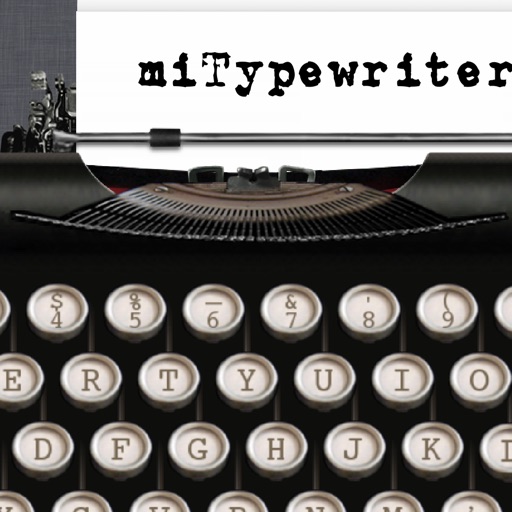
The app provides a realistic typewriter experience on the user's iPad. It offers features such as email by image or text, a backspace key, multiple fonts, keyboard layouts, and ink ribbon colors.
Edit photos with single-tap effects and professional filters. Adjust brightness and contrast. Apply blur and focus tools. Enhance portraits with specialized filters. Export edited images in various formats.
Display a with customizable colors and fonts. Toggle between 12-hour and 24-hour formats. Show seconds and date. Switch between dark and light modes. Rotate in landscape or portrait orientation.
View itineraries with daily event summaries and detailed event information. Access offline details with easy-to-read formatting. Retrieve phone numbers and navigation for locations. Chat with travel advisors directly within the .
Edit photos to create professional headshots using AI technology. Adjust lighting, background, and composition. Remove distractions and enhance details. Export in high resolution and share directly.
Edit photos with typography, stickers, and artwork. Apply filters and effects. Add overlays, masks, and drawing tools. Create collages and share to social networks. Includes textures, borders, and patterns.
Control home and garden lighting remotely via internet. Adjust brightness, color, and effects. Create scenes and schedules. Group lights for different areas. Access settings and updates through the .
Customize social media content with hundreds of . Apply to captions, bios, Instagram highlights, stories, and comments. Edit text directly within the and preview changes before posting. Share formatted text across multiple platforms.
Create virtual wall displays to showcase art, photos, and designs in realistic room settings. Adjust lighting, color schemes, and layouts to visualize how artwork fits in different spaces. Share finished designs with clients or fans for feedback.