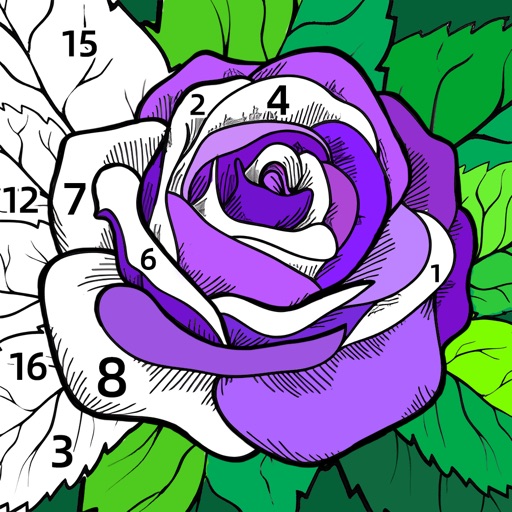
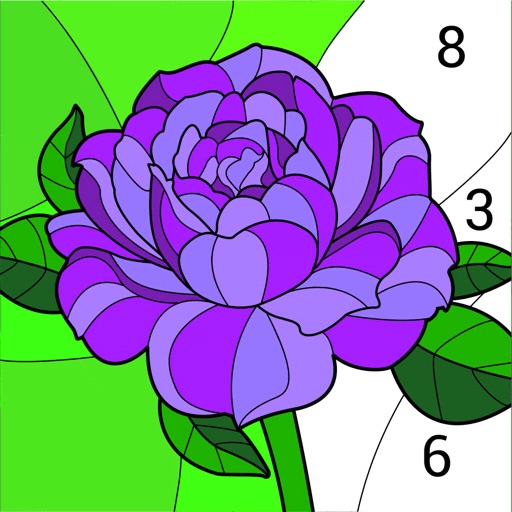
Create and two-dimensional art by selecting colors and filling numbered areas. Save progress automatically and share completed artwork with friends. Draw freely to relax and express creativity.
Link numbers in sequential order to reveal hidden artwork. Plan paths carefully to connect numbers. Clear grids to progress and unlock new paintings. Adjust difficulty settings and track progress through levels.
Create digital art with drawing and painting tools. Use a wide range of brushes and customize settings for precise control. Add motion with animation tools and motion paths. Utilize symmetry guides for balanced designs.
Create drawings by combining different art styles. Divide images into sections and apply unique styles to each part. Mix and match colors and patterns to design custom artwork. Save and share completed creations.
Create patterns by strokes. Choose from eight modes and over 10 brushes. Select from endless colors. Save and share artwork. Adjust settings for brush size and speed.
Turn photos into paintings with one-tap conversion. Edit, add signatures, and share on social media. Print artwork via CanvasPop with frame and size options. Transform videos into animated paintings.
Create and customize drawings using a variety of colors and brushes. Access categorized pages with detailed patterns. Save and share completed artwork. Adjust brush size and opacity for precise .
Coloring by numbers lets users select images and fill in colors to create artwork. Features include choosing from themed pictures like travel, animals, and mandalas. Users can paint directly on the canvas and save their work.
Book allows children to color pages featuring animals, vehicles, and objects. Includes interactive games to develop fine motor skills and shape recognition. Features sound effects and simple navigation for young users.
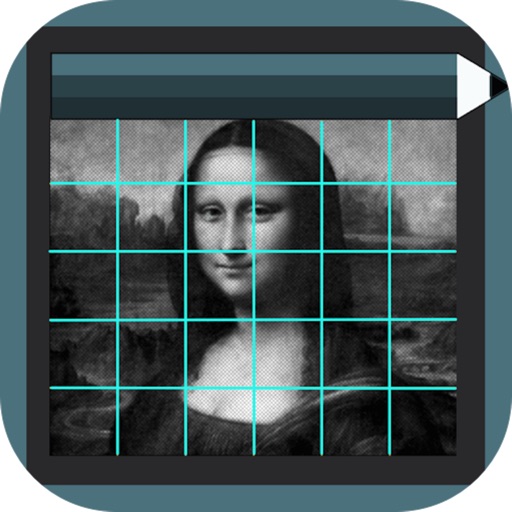
Create and customize grids on images for drawing and painting. Place grids over photos to use as reference. Adjust size and spacing. Export layers for use in digital art tools.
Images with a variety of tools including brushes, erasers, and layers. Choose from themed pages featuring animals, nature, and abstract designs. Save and share completed artwork. Adjust palettes and add custom patterns.
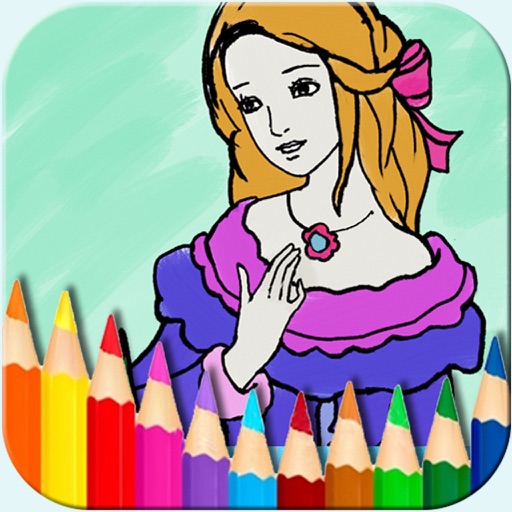
The app offers a digital coloring experience with over 150 free princess and fairy pictures. It includes 10 brushes for drawing and painting, and a movie feature to record and replay drawings as animation clips.
Coloring by allows users to select from various themed artworks like flowers, animals, and landscapes. Choose colors for each numbered section to fill in the image. Save and share completed artwork.