Create music by touching the screen to play notes and adjust sounds. Use multi-touch surfaces like radar, ribbon, or keyboard. Move fingers to modify tones. The semi-generative engine selects suitable notes automatically.
by Rob Jackson★ 4.9155 ratingsMusic$4.99Data updated 2026-09-13
Train musical ear with percussion instrument recognition. Practice pitch identification, rhythm exercises, and interval . Track progress with detailed analytics and adjust difficulty levels.
Play virtual with MIDI controllers or keyboards. Adjust articulation, dynamics, and breath effects. Use Room Simulator "Ambiente" for spatial audio. Load and save presets. Export audio in multiple formats.
Learn , , and modes in any position using a fully functional simulator. Play interactive games to master theory. Use backing tracks, metronome, and record riffs. Customize settings including fretboard size and left-handed support.
A dictionary for identifies symbols based on finger positions. Set finger placements to retrieve names. Includes reverse lookup for symbols to finger positions.
Precision tuning with 0.135 Hz accuracy for reliable pitch correction. Analyze and generate for multiple string instruments. Use advanced DSP for instrument-specific frequency filtering and tuning adjustments.
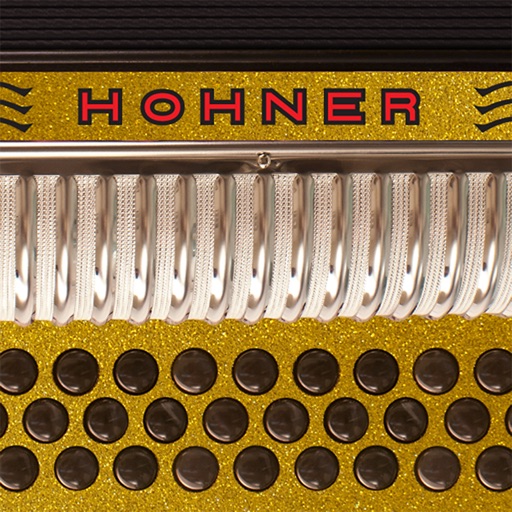
The app mimics the layout of Hohner's Corona II Xtreme 34-button diatonic accordion. Musicians can practice chord combinations, scales, and songs on-the-go in five different key combinations and colors.
The app allows users to play chords by tapping buttons and strumming. Chord buttons can be reconfigured for over 150 chords per key, and users can experiment with picking melodies.