Flip videos by swiping left, right, up, or down. Rotate videos using two fingers. Adjust playback speed and add text overlays. Share edited videos directly to social media.
by Joylord Systems Ltd★ 4.4219 ratingsPhoto & VideoFreeData updated 2026-09-13
Edit videos with trimming, splitting, and merging tools. Add transitions, text, and music. Adjust brightness, contrast, and speed. Export in various formats and share directly.
Videos with timeline editing, transitions, and effects. Add background music and text overlays. Export in various formats and share via social media or email. Collaborate in real-time with team members.
Record videos using a feature to display text as you speak. Edit subtitles and add effects to enhance presentations. Share finished videos directly to social media platforms.
Edit videos with slow motion, compression, and reaction camera features. Create intros and slideshows. Add music and apply one-click effects. Record screen and enhance videos with animations and filters.
Find friends by swiping right or left. Search for nearby users using location. Connect with people on Instagram, TikTok, or Twitter. Add contacts to social media or interact directly in the . Keep social media links private until approved.
Capture photos and videos with a Glitter effect for enhanced visual appeal. Edit media from the gallery. Create kirakiragraphs from still images. Swipe left or right to navigate.
Securely and videos behind a lock screen. Create and manage multiple albums with customizable names and thumbnails. Share unlimited media within albums. Support for GIF files. Add content via gallery, iTunes, or direct import.
Create videos and edit photos with AI-powered tools for social media. Add text, stickers, and transitions. Generate professional logos for branding. Share directly to Instagram and other platforms.
Create and edit photos and videos with text, stickers, logos, and elements. Add Arabic and English language support. posts, ads, event invitations, and animated stories. Sync with Apple Health.
Adjust speed or down sections without watermarks. Save videos freely. Supports portrait and landscape modes on iPad. Corrects audio pitch and allows unlimited length.
Create lip-synced videos by selecting images and inputting text. Generate realistic voiceovers and synchronize them with facial movements. Share videos directly to social media or send as messages.
Create videos by combining photos and videos with background . Select media files, arrange slides on a timeline, apply transitions, and adjust timing. Export or edit the with built-in tools.
Create videos using AI avatars based on text, voice, or existing videos. Generate lifelike animations 24/7. Use creation shortcuts and a agent for faster editing. Export and share videos directly.
Create videos up to 1/10 speed and fast videos up to 10x speed. Trim, crop, flip, rotate, and reverse videos. Add music from a music gallery. Apply filters, color filters, overlays, frames, and stickers.
Edit videos with , fast , and stop effects. Adjust speed for specific frames or portions. Add music and share to social media platforms. Record live with speed control. Output in high resolution.
Create videos with background music, text, and photo slideshows. Add names and personal messages. Export videos for Facebook, Instagram, and WhatsApp. Include a variety of song genres for customization.
Create viral videos using AI-powered editing tools. Add text, stickers, and filters. Trim clips and generate cinematic scenes from text. Expand borders and outpaint frames. Share directly to social media platforms.
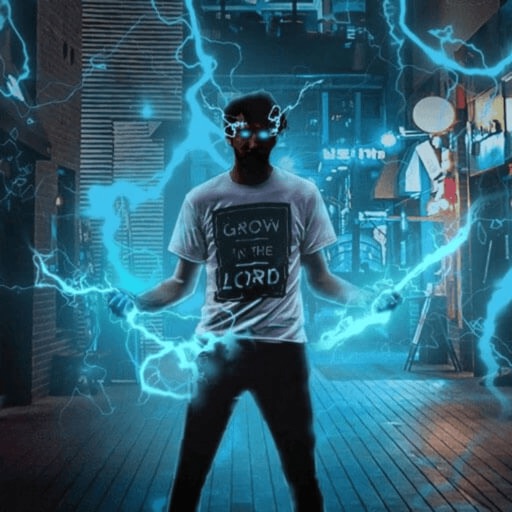
Record and edit videos with visual and templates. Add elements like dragons, magic circles, and space scenes. Include such as fire, laser, and lightning. Export and share edited videos directly.