Split large rectangular photos or panoramas into square tiles for Instagram. Upload individual tiles and combine them to view a complete image. Adjust scaling and detail settings for optimal display. Share high-quality images without resizing.
by Rahul Vaholiya★ 4.7457 ratingsPhoto & VideoFreeData updated 2026-09-06
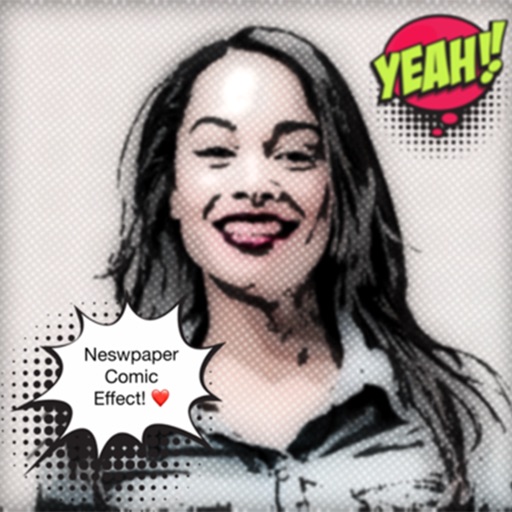
Add text to photos using customizable fonts and captions. Overlay images with artistic artwork or choose from filters and frames. Scale and crop photos for editing. Share edited photos directly to Instagram.
Design Instagram feeds with grid patterns, drag-and-drop posts, and carousel rearrangement. Edit and adjust photos and videos. Access over 200 ideas, 1000 hashtags, 100 captions, and 100 bio profiles.
Create memes by selecting images from your camera roll or camera. Resize and reposition background images and the logo. Share memes via Facebook Messenger, Instagram, Twitter, iMessage, WhatsApp, and other platforms.
Repost images or videos to Instagram with added watermarks. Save repost history for quick access. Select media files and apply custom watermarks before sharing.
Cut long videos into precise segments for . Trim selected parts with accurate timing. Export clips to share on , Twitter, Facebook, Instagram, Snapchat, and TikTok. Save edited videos to device storage.
Plan and view media content across multiple platforms. Schedule posts for Instagram, Facebook, Twitter, TikTok, LinkedIn, YouTube, and more. Receive alerts for manually set posts. Repost or create new content using assets from the Library.
Create social posts with templates and editing tools for Instagram, Facebook, LinkedIn, Twitter, and TikTok. square or story-sized content, add text and graphics, and export directly to platforms. No skills required.
Create pet using uploaded photos. Choose from styles like space, Frozen, cyberpunk, sheriffs, and van Gogh. Use as stickers or profile pictures on social media platforms. Subscribe to weekly style updates via in- purchases.
Edit photos and videos to post full size content to Instagram and other platforms without cropping. Add audio, effects, frames, text, stickers, and overlays. Trim, rotate, scale, and flip media.
Split photos into multiple squares for Instagram posts. View metadata, edit images, add tags and descriptions. Organize photos with titles and personal branding. Share directly to Instagram.