Learn guitar notes with interactive educational games. Practice musical ear training, study over 500 chords across the , and explore scales in various positions. Customize tuning and select modes for focused practice.
A chromatic that aligns two dots for accurate tuning. Works in landscape and portrait modes on iPhone and iPad. Includes an adjustable base frequency from 440Hz. Requires holding the mic close for silent instruments.
The app allows users to compose music scores with various symbols and multiple tracks. It supports different instruments, transposing instruments, and playback.
The app allows users to compose music for various ensembles and offers handwriting recognition with Apple Pencil. Users can import scores, edit notes, and export compositions as PDF, MusicXML, or MIDI files.
Tune musical instruments with real-time pitch detection and accurate results. Automatically identify and adjust pitch by touching strings or keys. Manually select and tune specific strings or keys.
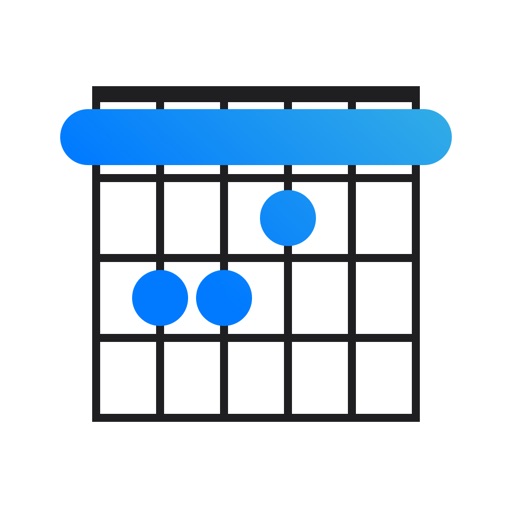
Find chord diagrams for guitar, ukulele, and mandolin. Enter chord names to view different voicings or adjust diagrams to identify new chords. Hear how each chord sounds. Supports alternate tunings.
Practice identifying , , and intervals through interactive exercises. Train ear to recognize melodies and chord progressions. Play accompaniment on guitar or piano. Track progress with built-in exercises and scales.
Explore with chord and scale references. Identify and analyze chords. Create and edit MIDI files. Use AUv3 plugins for sound synthesis and composition. View detailed scale information and interval relationships.
Learn notes and chords through interactive . Identify key signatures for major and minor scales. Guess notes on treble and bass clefs. Play competitive to practice guitar and piano chords using a MIDI keyboard.
Precision tuning with real-time feedback for multiple instruments. Learn and practice chords with interactive lessons. Adjust tuning for different musical scales. Share tuning results and track progress over time.
Create and edit progressions with inversions, sus2, sus4, 7th, and 9th chords. Play chords as piano or synth or send MIDI to macOS. Use phone as MIDI keyboard for macOS. Practice reading musical notation.
Analyze audio songs in the iOS music library to display symbols. View chords in graphical piano keyboard or guitar tab formats. Practice and play songs using displayed chords.
Learn intervals, scales, chords, and cadences through audio playback. Practice recognition with melodic or harmonic patterns. Set personal goals and track progress over time. Receive instant feedback on accuracy.
Learn and with interactive exercises. Practice scale loops to build muscle memory and finger dexterity. Swipe across strings to play notes and adjust speed. Use a metronome to improve rhythm. Includes tuner for staying in tune.