Take photos automatically at set intervals of 2, 5, 10, 20, or 30 seconds. Record slow-motion videos with image stabilization. Add or video widget for quick access. No ads during use.
The app allows users to edit photos with filters, add text, and merge multiple images. Users can also use a sketchpad for quick notes and save handwritten content as pictures.
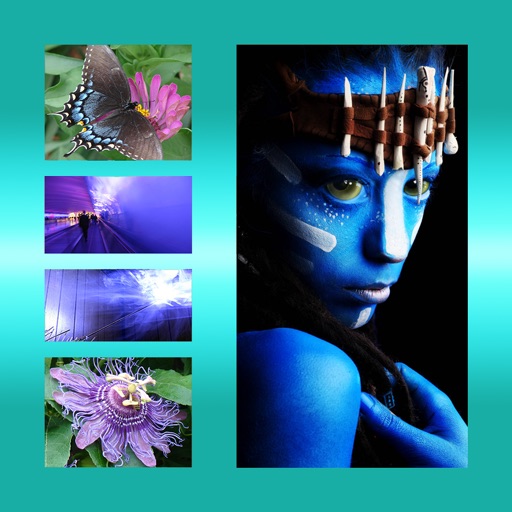
Edit photos into customizable grids with layout options, shapes, and frames. Add text and messages. Apply filters and effects. Stitch multiple images into a single composition. Export and share edited collages.
The app creates unique photo compositions by combining two images from a user's camera roll. Users can also apply filters to existing photos to generate new compositions.
The app guides users with voice directions for framing selfies using the iPhone's rear camera. It automatically captures photos when the user is properly positioned and allows for quick edits and sharing.
Convert photos into comic-style avatars with intelligent processing. Edit avatars with customizable features. Create nine-frame and multi-frame images. Use Meitu camera for enhanced selfie editing. Share finished avatars directly.
Use to magnify text and small details with adjustable zoom. Drag zoom bar or use two fingers to zoom in/out. Check skin texture with built-in skin detection feature. Adjust settings via preview region.
The app allows users to combine multiple photos into one framed picture. Users can adjust contrast, brightness, and saturation, add text, and apply effects.
The app offers a full set of camera features for various skill levels. It includes video recording, slow shutter modes, and folder organization for managing photos.
The app offers photo editing tools including cropping and enhancement. Users can apply effects, overlays, and frames to photos from their camera or gallery.