Apps Like Pocol - Photo Collage Maker for iPhone and iPad
Create collages and edit photos
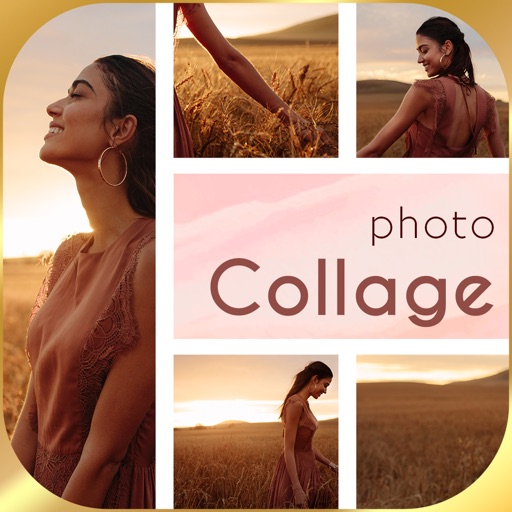
Create collages with up to 16 images. Rearrange photos and select from 200+ grid layouts. Adjust spacing, padding, and layout ratio. Apply filters to multiple photos or individually.
by 晓航 郑★ 4.768 ratingsPhoto & VideoFreeData updated 2026-09-12
Create collages by overlapping photos in various layouts. Move, rotate, zoom, and sketch images. Add text, stickers, and effects. Choose from square, rectangular, or single photo arrangements. Share directly from the .
Create animated art from photos. Add short links to NFT profiles on social media. Save NFTs as videos or GIFs. Subscribe for a PRO account with 1-month, 3-month, or 1-year plans. Subscriptions auto-renew unless canceled at least 24 hours in advance.
Edit photos with dozens of presets and color correction tools. Adjust lighting and apply special effects like lens flares and vintage dust. Create collages and add text with exclusive fonts. Share edited images directly.
Editor lets users backgrounds, , or specific areas of images. It offers automatic , hand-drawn , face blurring, and various effects. Users can adjust intensity and apply the effect to selected regions.
Capture photos using a built-in camera and save them to selected albums. Create double exposures or use booth mode. Organize media into albums and browse for specific images. Edit photos with filters, cropping, and adjustments.
Upload photos directly to Instagram, Facebook, and other social networks without cropping. Choose a background and share instantly. Save photos to device for later sharing. Create images without resizing.
Create resumes using professional templates approved by recruiters. Customize and rearrange sections, adjust margins and styles. Edit text and add signatures to cover letters. Export in various formats for job applications.
Stream media content from iPhone or iPad to Smart TV over Wi-Fi. Share photos, videos, and music without installing additional apps on the TV. Requires a stable Wi-Fi connection to initiate .
Create depth maps from single camera images using AI. Adjust focus distance for realistic blur effects. Generate 3D photos with parallax to simulate depth. Apply depth of field and 3D effects to enhance visual depth.