Apps Like Sandbox - Pixel Art Coloring for iPhone and iPad
Color tiny pixels and create art
Create and customize art drawings with a variety of colors and tools. Select from pre-designed templates or draw freely. Save and share finished artwork. Collaborate with others in real-time. Learn basic drawing techniques through guided activities.
by Alexey Grigorkin★ 4.7977,259 ratingsEntertainmentFreeData updated 2026-09-12
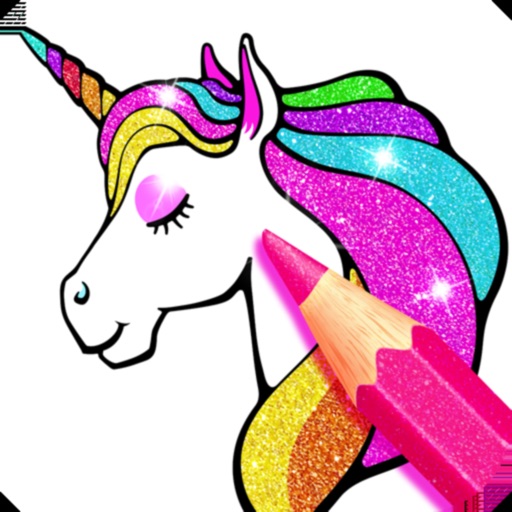
Create and customize pages with effects and colors. Use virtual colored pencils, markers, and paints to fill in illustrations. Save and share completed artwork. Explore unicorn-themed characters and scenes. Color offline without internet connection.
Create animated stickers and for iMessage. Send colorful, interactive to friends. Unlock premium features with a subscription. Customize stickers and for pranks and surprises. Share directly within iMessage chats.
Create art with a complete toolset including layers, timelines, and advanced coloring. Edit spritesheets, GIFs, and game assets. Use touch or pen for optimized drawing. Render with high-performance Metal technology.
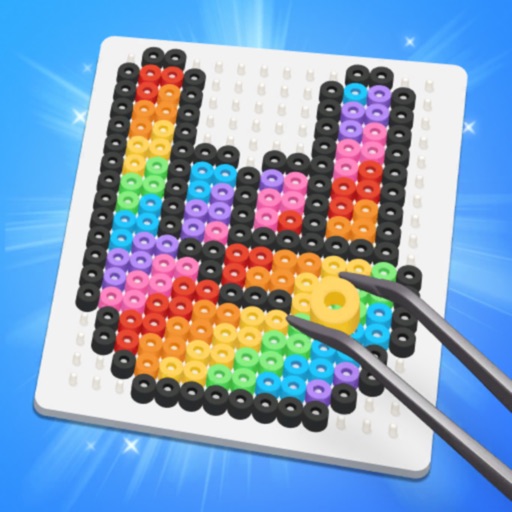
Create art by placing and ironing colorful beads onto a grid. Explore pre-designed pixel artworks for inspiration. Customize designs in DIY mode. Save and share completed projects. Adjust colors and patterns.
Build and destroy structures in vast worlds using various materials and colors. Create explosions, set off fireworks, and use portals. Explore endless environments and customize with painting tools.
Access unlimited pages with animated illustrations and relaxing music. New images available weekly. Subscribe for weekly, monthly, or annual access. Payment processed via iTunes account. Subscription renews automatically unless disabled.
The app offers a doodle drawing and coloring game for children. It includes over a dozen doodling brushes and sparkles, along with numerous coloring book pages for selection.
Explore a vast cosmos to build and customize environments. Create galaxies, design planets, and construct futuristic spacecraft. Engage in combat with diverse enemies and allies.
Create and customize playgrounds with community additions. Place vehicles and weapons on the map. Use melee and ranged weapons to interact with ragdoll characters. Explore and modify environments with unlimited creative options.
Create 3D models by coloring numbered blocks. Rotate, scale, and zoom to adjust your model. Paint highlighted boxes with selected colors. Save and share completed designs.
Play in single-player or multiplayer modes across various maps including Backrooms and Construct. Create and share custom maps using the Map Editor. Explore horror-themed environments and avoid hunting .
Draw and color characters directly on the screen or with a pencil on paper. Access a public gallery to share art. Follow step-by-step drawing guides. Color pages with solid or gradient colors. Color pixel art by numbers.
Control a character with a joystick to navigate the game world. Collect colors from printers, stack them in a backpack, and run over numbers to complete artwork. Complete levels by strategically managing color collection and usage.