Apps Like Filter Editor use Effects Tool for iPhone and iPad
Edit photos with filters and text
Edit photos using adjustable filters for brightness, contrast, saturation, color temperature, highlights, shadows, and color. Add text to images for customization. Preview in real time. Remove previous settings. Save edited photos to the device.
by 惠满 贺★ 4.713 ratingsPhoto & VideoFreeData updated 2026-09-12
The app allows users to transform photos into vintage images with various color and light effects. Users can apply different frame borders, adjust contrast, gamma, and saturation, and add vignetting and noise.
The app offers 64 visual effects across 7 classifications to modify pictures. Users can adjust parameters like contrast and brightness, and utilize a mask editing system with various brushes for detailed portion modification.
Edit photos with text, stickers, and designer fonts. Apply filters like candid, evil VHS, or vintage. Create collages and design layouts. Save and share edited photos directly.
Correct lens distortion by drawing 4 guides or adjusting bulge/pinch settings. Tilt and stretch images in horizontal and vertical directions. Free transform by dragging 4 corners to adjust distortion. Export edited photos in various formats.
Professional camera and photo editing application.
The app offers a professional camera with extensive photo editing capabilities. It includes filters, adjustments, effects, blur, focus, drawing, cropping, resizing, and text tools for image enhancement.
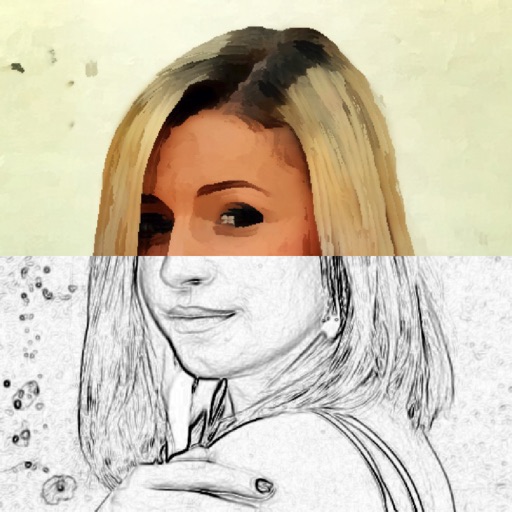
Edit photos with AI-powered artistic styles, including cartoons, watercolor, and digital art. Apply filters, adjust colors, and add text. Transform images into different formats and share directly.
Edit photos with AI-powered restoration for faded, damaged, or blurry images. Enhance photos to professional quality with automated adjustments. Remove unwanted objects and reimagine compositions using advanced tools.
Edit photos with one-tap filters and AI enhancements. Apply Light Leak Overlays and director-style effects. Create collages using drag-and-drop editing. Export and share directly to social media platforms.
The app offers selective blur effects including motion, disc, and zoom. Users can compare original and edited images with a live split preview and save custom effect settings.