Apps Like Cut and Paste – Photo Editor for iPhone and iPad
Edit photos, erase objects, change backgrounds
Edit photos by removing objects and changing backgrounds. elements to create montages. Adjust transparency and replace backgrounds. Save and share edited images directly.
by Maria Gascon★ 1.01 ratingsPhoto & VideoFreeData updated 2026-09-12
Edit photos by selecting and removing unwanted elements such as people, objects, trash, pimples, lines, or other unwanted content. Retouch images to improve appearance. Save and share edited photos.
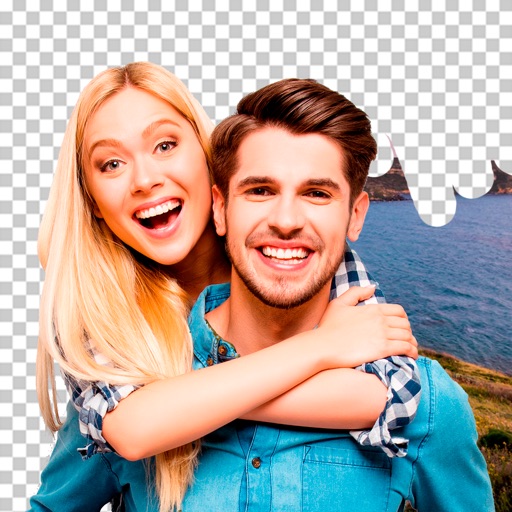
Edit images to remove backgrounds and create transparent images. Use zoom for precise edits. Cut out objects and save as stickers. Export for use in presentations, documents, and image editors.
Edit photos and videos with grid layouts, templates, and customizable collages. Add exclusive stickers, backgrounds, and doodles. Create Christmas cards and share finished projects directly.
Crop photos using a cropping tool. backgrounds and unwanted objects with an eraser tool. Select areas to erase and create transparent backgrounds. Edit images for white or clean backgrounds. Export edited photos and create stickers.
Remove backgrounds from photos using automatic eraser with machine learning. Identify and isolate people, animals, vehicles, and objects. Erase single-color backgrounds for chroma key effects. Manually adjust erased areas for precision.
Remove backgrounds from photos to create transparent images. Highlight the subject and replace the with a new image. Adjust transparency and export the edited photo.
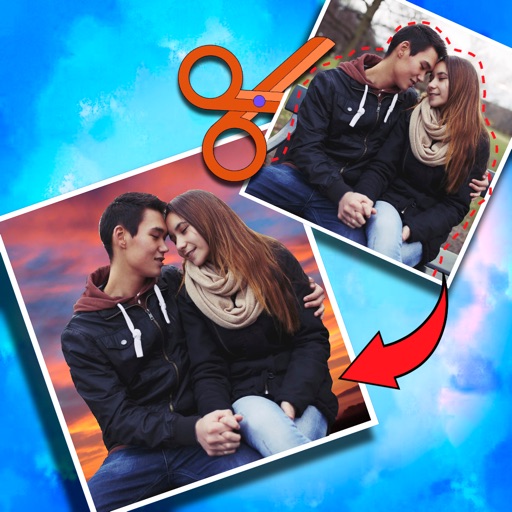
The app allows users to cut from multiple photos and merge them into one. It offers editing tools like rotate, scale, and flip, and users can select from over 40 backgrounds.
Add to photos with customizable fonts and styles. Place objects for creative effects. Create posters, covers, and invitations. Edit and share edited images directly.
Objects, people, blemishes, and acne from photos using AI-powered background removal. Edit images to replace or erase unwanted elements. Export edited photos in various formats.
Remove unwanted objects from photos with a single touch. Erase background elements like trash cans or poles. Edit selfies by removing distracting figures. Save and share edited images directly.
Edit photos with over 900 effects including montages, frames, and caricatures. Create collages and holiday e-cards. Apply filters and adjust colors. Remove watermarks and export images without ads. Share edited photos directly.
Crop photos and save individual cropped sections for later use. Combine cropped images with backgrounds or other photos to create new compositions. Apply filters to enhance the visual appearance of edited images.
Take portrait selfies with front and rear camera switching via tap or shake. Use night mode for low-light shots. Auto mirror and timer functions available. Create grid collages with 1:1 and 4:3 layouts using 1 to 9 grids.
Create collages and edit photos with cropping, filters, and text. Add stickers and remove backgrounds. Edit videos, create slideshows, and design invitations. Share directly to Instagram with hashtag management.
Edit with filters, stickers, and emojis. Create photomontages with built-in effects. Apply artistic tools for detailed edits. Add with customizable fonts and colors. Export and share edited images directly.
Edit photos with skin retouching, blemish removal, and dodge & burn tools. Remove stray hairs and edit hair part lines with one click. Reshape facial features and adjust body proportions using 3D bone mapping.