Apps Like Cut and Paste – Photo Editor for iPhone and iPad
Edit photos, erase objects, change backgrounds
Edit photos by removing objects and changing backgrounds. elements to create montages. Adjust transparency and replace backgrounds. Save and share edited images directly.
by Maria Gascon★ 1.01 ratingsPhoto & VideoFreeData updated 2026-09-12
Create collages with 106 adjustable layouts and 31 irregular designs. Choose from 18 frames and 36 backgrounds. Customize borders with color and shape. Edit photos using a built-in PRO editor.
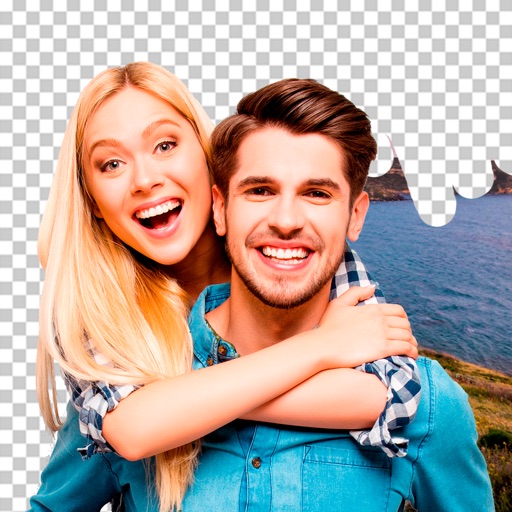
Remove similar color backgrounds from images and save transparent versions to the camera roll. Erase using finger or wand tools. Zoom and rotate with two fingers. Crop photos and share to other apps.
Enhance image quality by unblurring and sharpening photos, reducing noise, and upsizing for clarity. Improve video clarity with noise reduction and motion smoothing. Sharpen PDF text and lines for better readability.
Backgrounds from photos using AI. Upload images from Camera Roll, tap to automatically. Export edited images or add animated backgrounds for social media and e-commerce platforms.
Add vibrant color to specific image areas using the Color Splash Effect. Adjust intensity and placement. Export edited in various formats. Share directly from the .
Create magical memories by editing photos with AI-powered cleanup, adding cute stickers, and applying dreamy filters. Build milestone albums to celebrate growth and special moments. Share edited photos directly from the .
On an with multiple colors and add typed text to illustrations. Erase or delete drawings. Choose background colors for the . Save creations and share via email or Facebook. Additional markers and backgrounds available in the complete version.
Edit photos with body transformation tools, one-touch filters, and cropping. Apply mosaic and blur effects to background. Add vignette. Adjust and share edited images directly.
Take photos with real-time chroma key and adjust brightness and color temperature. Edit images using eraser, crop, and zoom tools. Share photos on Instagram, Facebook, and other platforms. Tag with # to join a global gallery.
The app allows users to change a monochromatic background into any image. It offers tools to manually remove backgrounds without a green screen and includes features like auto-enhance, drawing, stickers, text, and various photo effects.
Edit videos with AI-powered enhancements like upscaling, noise reduction, motion blur, and frame rate adjustment. Create slideshows from photos, add music, and generate memes. Boost quality and export in various formats.
Edit photos with professional filters, effects, and frames. Retouch images with powerful tools like spot healing and color correction. Adjust brightness, contrast, and saturation. Crop, rotate, and apply stickers.
Remove people from photos using AI-powered editing. Select and erase unwanted individuals or backgrounds. Adjust and refine the result for natural appearances. Save and share edited images directly.
Create custom albums with personal images or choose from curated categories like Quotes, Nature, and City. Add photos to build memory albums. Display on home screen using three widget sizes.
Edit photos by blurring backgrounds, faces, or specific subjects. Apply various effects and filters. Save edited images to the camera roll or share them directly.