Create wedding invitations with customizable templates and design tools. Add text, images, and decorations. Choose between digital sharing or high-resolution printing. Include event details and guest information.
Create posters and flyers with customizable templates, drag-and-drop elements, and text formatting. Add images, logos, and graphics. Choose from various layouts and export in multiple formats for print or digital use.
Record video with the front camera to capture funny moments. Add text overlays with phrases like "Boy if you don’t get!" and "What are those?". Share the video directly to social media platforms.
Edit photos with skin smoothing and whitening features. Adjust enhancement levels from 1 to 8. Apply 12 unique filters for enhanced selfies. Add makeup tools for detailed facial enhancements. Save and share edited images directly.
Edit photos adjustable temperature, tint, and exposure settings. Use texture blending tools and apply effects. Add stickers opacity and shadow control, and include text 3D effects and multiple fonts. Crop, rotate, and straighten images.
Create calligraphy, customize styles, save and share
Create Arabic-style calligraphy with customizable styles and colors. Design with vector shapes and adjust curves. Align text or shapes using alignment tools. Adjust layer order to bring elements forward or send them back.
Create collages by combining up to 16 photos. Choose from 250+ templates. Import and resize photos. Customize with backgrounds, frames, stickers, and text. Adjust angles and select from various fonts and colors.
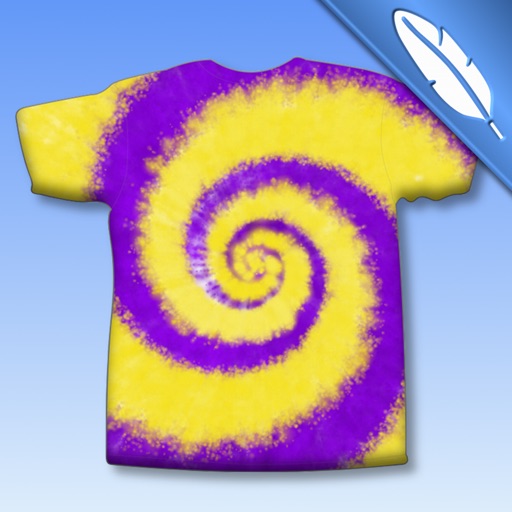
Create tie-dye designs by selecting a shirt, folding it, placing rubber bands, and applying colors. Customize with fabric paints, glitter, rhinestones, and appliqués. Try on virtual models, save designs to a photo album, and email them.
Create stories for social media with pre-designed templates and editable layouts. Add text, images, and effects. Share directly to platforms. Edit stories with intuitive tools and customize designs.
Add to videos with animation options. Customize size, color, opacity, and background of captions. Animate line by line, word by word, or character by character. Adjust timing and speed. Position and rotate freely. Add multiple captions per .
Create custom watermarks by adding logos, copyright symbols, or personalized designs. Choose from various fonts, clip art, and colors for customization. Apply transparent backgrounds for seamless integration into photos and videos.
Design logos with customizable templates, color options, text tools, and graphic elements. Add backgrounds and textures. Export logos in various formats and share directly.
The app allows users to create banner messages with customizable backgrounds, colors, and fonts. The full version offers additional backgrounds, fonts, and removes advertisements.