This educational app offers various fun game modes for children aged 5 to 10. It includes a multiplayer mode, a bubble game, and a watermelon game with additions to help kids learn math.
Create custom ice flavors by mixing ingredients like chocolate, vanilla, and strawberry. Add toppings and decorate cones. Serve scoops to animals in varying sizes and quantities. Track ingredient combinations and experiment with different mixtures.
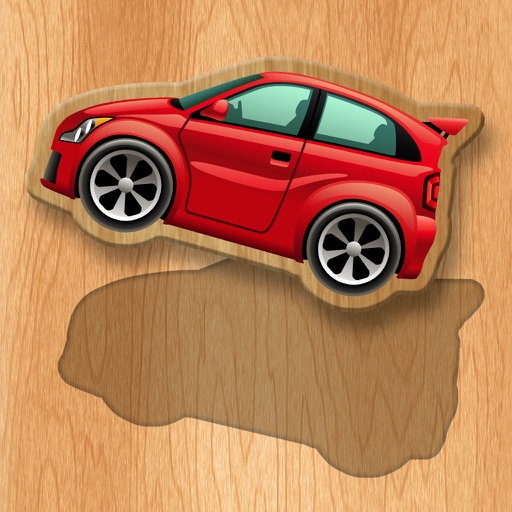
Helps babies recognize shapes and colors through interactive 3D puzzles. Includes animal, car, and fruit themes. Encourages fine motor skills and tactile learning. Features drag-and-drop gameplay and simple, intuitive controls.
Securely connect to encrypted VPN servers via IKEv2 protocol. Protect internet traffic on WiFi and cellular data. Anonymize browsing and prevent tracking. Supports iOS 10.0 and newer.
Sort and compare objects with one touch. Learn shapes and numbers through interactive puzzles. Develop logic, attention, memory, and fine motor skills. Includes age-appropriate challenges for children.
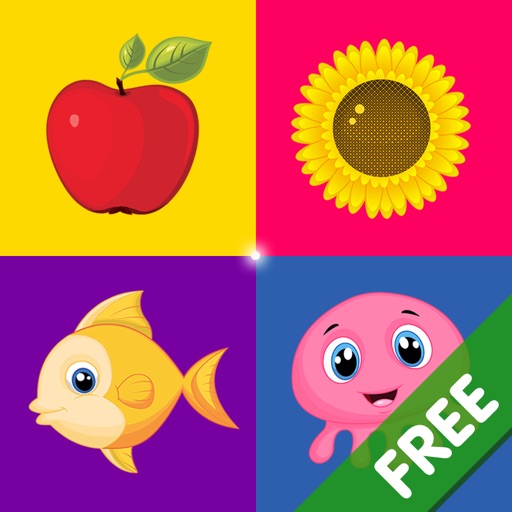
Teaches children to recognize shapes, colors, and sizes through 12 interactive . Includes sorting, matching, and identification activities. Features simple controls and vibrant visuals for young learners.
Educational puzzle for preschoolers. Recognize with colorful pieces. Develop thinking, tactile, and fine motor skills. Features drag-and-drop gameplay and progress tracking.
Customize appearance with themes, button shapes, and colors. Choose from six layouts and control all visual elements. View input and result simultaneously on dual-line display. Adjust settings for precise calculations.
Access element data including atomic mass, density, melting and boiling points, atomic radius, and electronegativity. Tap elements to view Wikipedia pages for detailed information.
Measure distances and angles using augmented reality. Customize ruler settings and save measurements. Access tools for drawing, scaling, and converting units. Share measurement data directly.
The app allows users to view and test their game live within the Unity Editor using an iOS device. It streams touch, gamepad, accelerometer, gyroscope, webcam, and screen orientation events back to the Unity Editor.
The app develops a child's creativity by allowing them to draw with colors and create music. It helps children perceive links between color, sound, and shape, offering a unique sensorial experience.
Teaches sorting and comparison through interactive mini-games. Features colorful object matching and simple touch-based sorting. Includes age-appropriate challenges to develop early skills. Encourages repeated play with progressively complex tasks.
Teaches children to identify , colors, and sizes through interactive gameplay. Includes activities for fine motor skill development and hand-eye coordination. Features simple controls and colorful visuals for young learners.